Developers
HomeZeroTwoResources
AllGamesAppsWebsitesAPI

Showcase projects

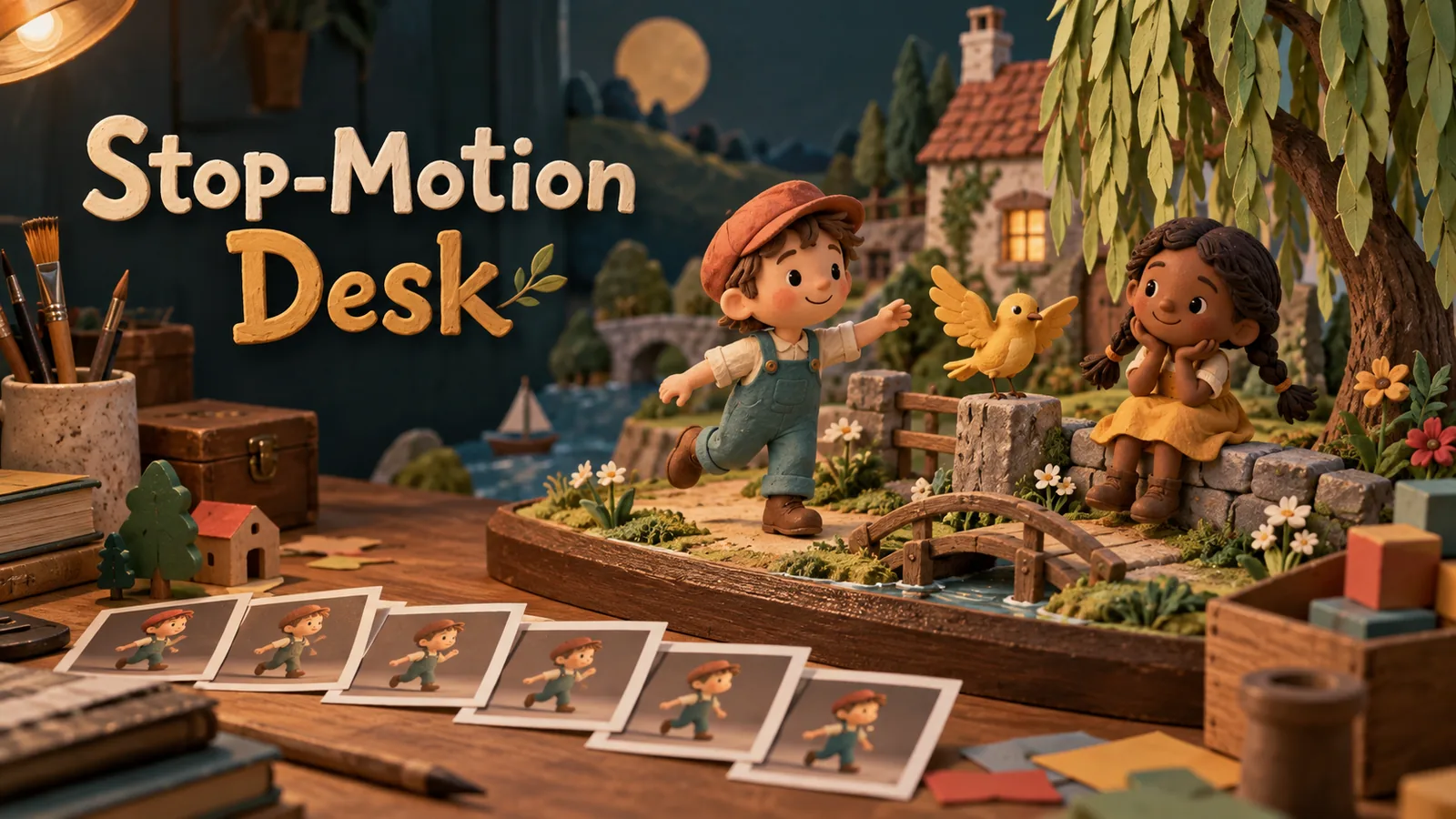
Stop-Motion Desk

Stop-Motion Desk

A studio in the browser for posing 3D figures and producing stop-motion clips.
Pattern Studio

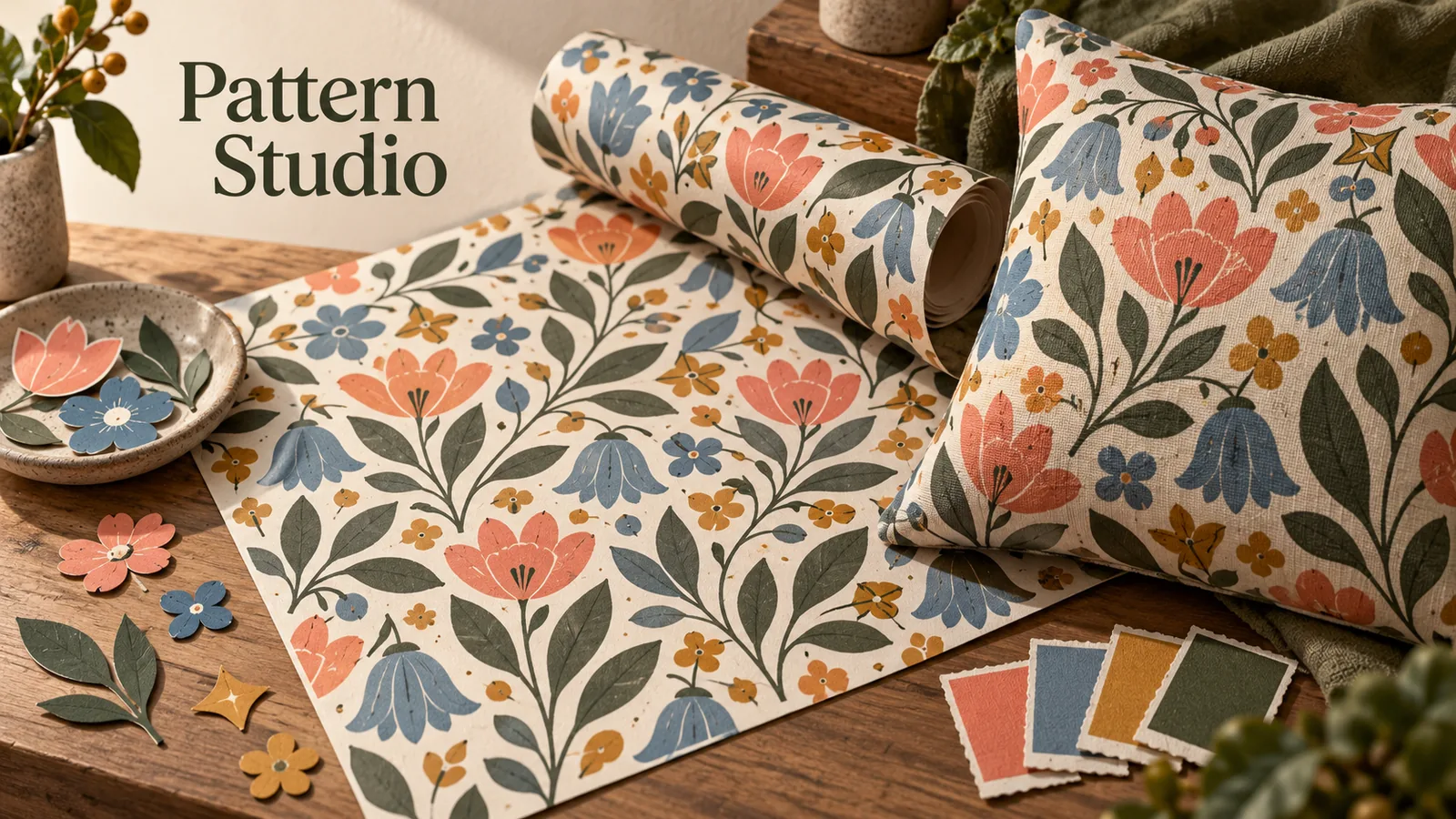
Pattern Studio

A tool for designing tileable patterns and seeing them applied to real objects.
Architecture Studio

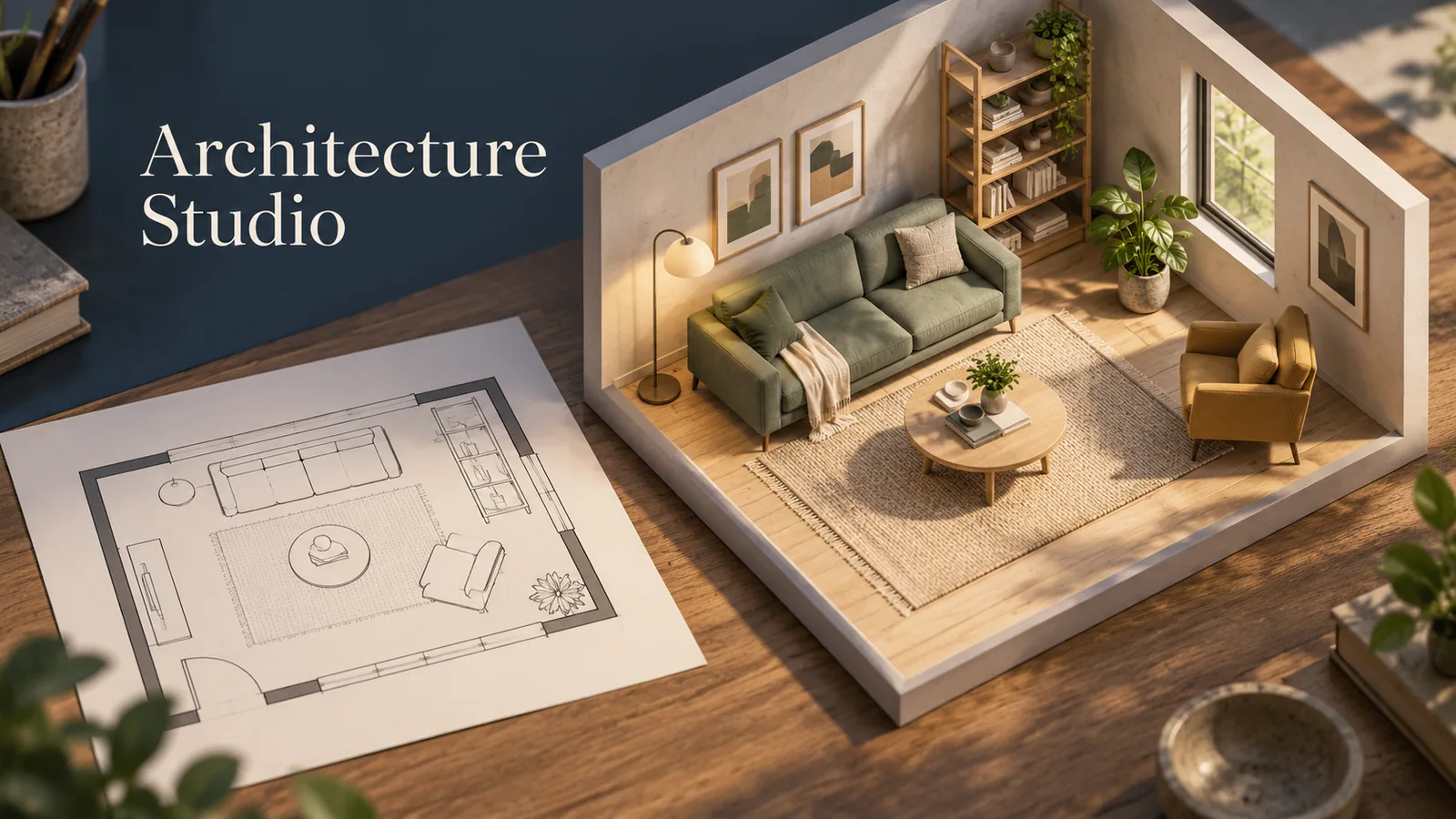
Architecture Studio

A room layout planner pairing a flat floor plan with a linked 3D view.
Crossword Desk

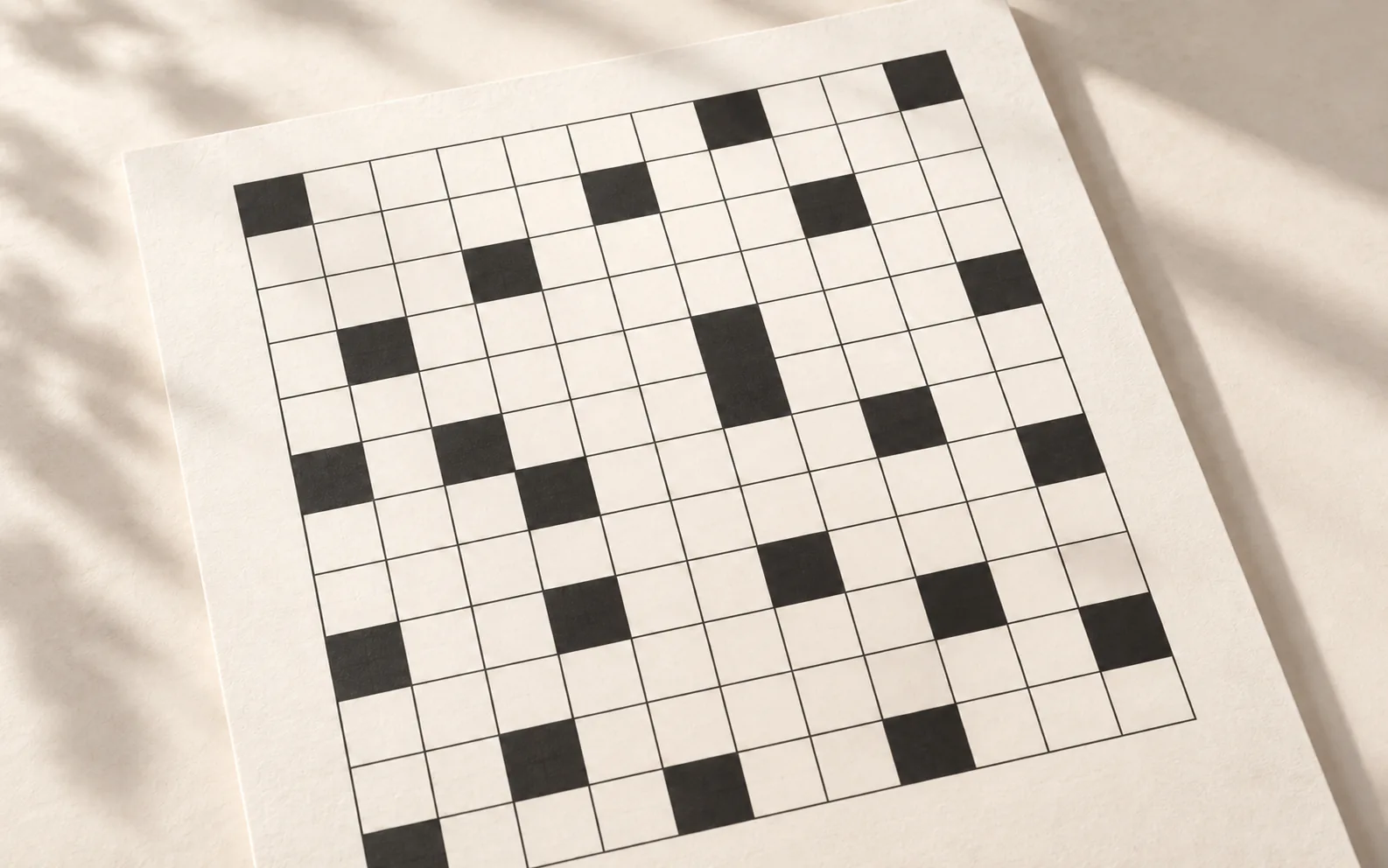
Crossword Desk

Create and solve crosswords alongside an agent.
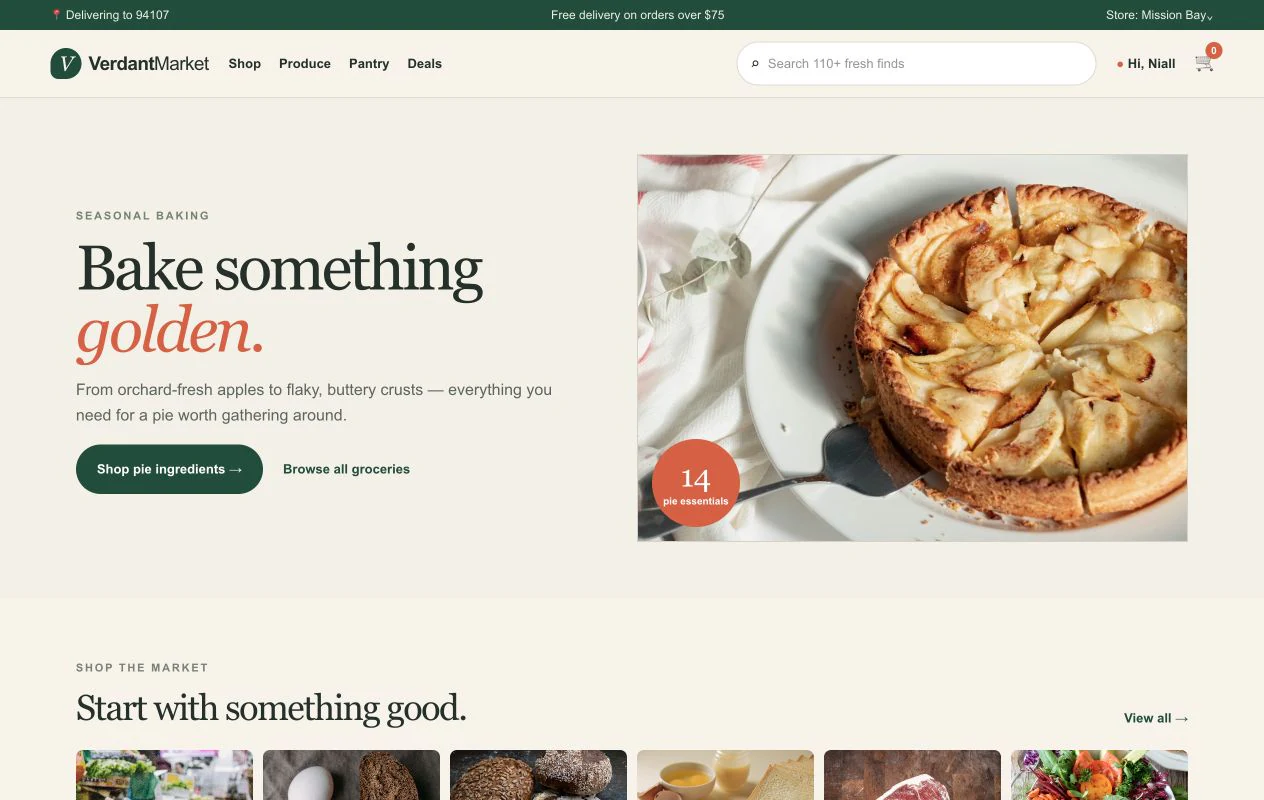
Verdant Market

Verdant Market

Shop for groceries and fill a cart together with an agent.
Webroom

Webroom

Agent-compatible photo editing.
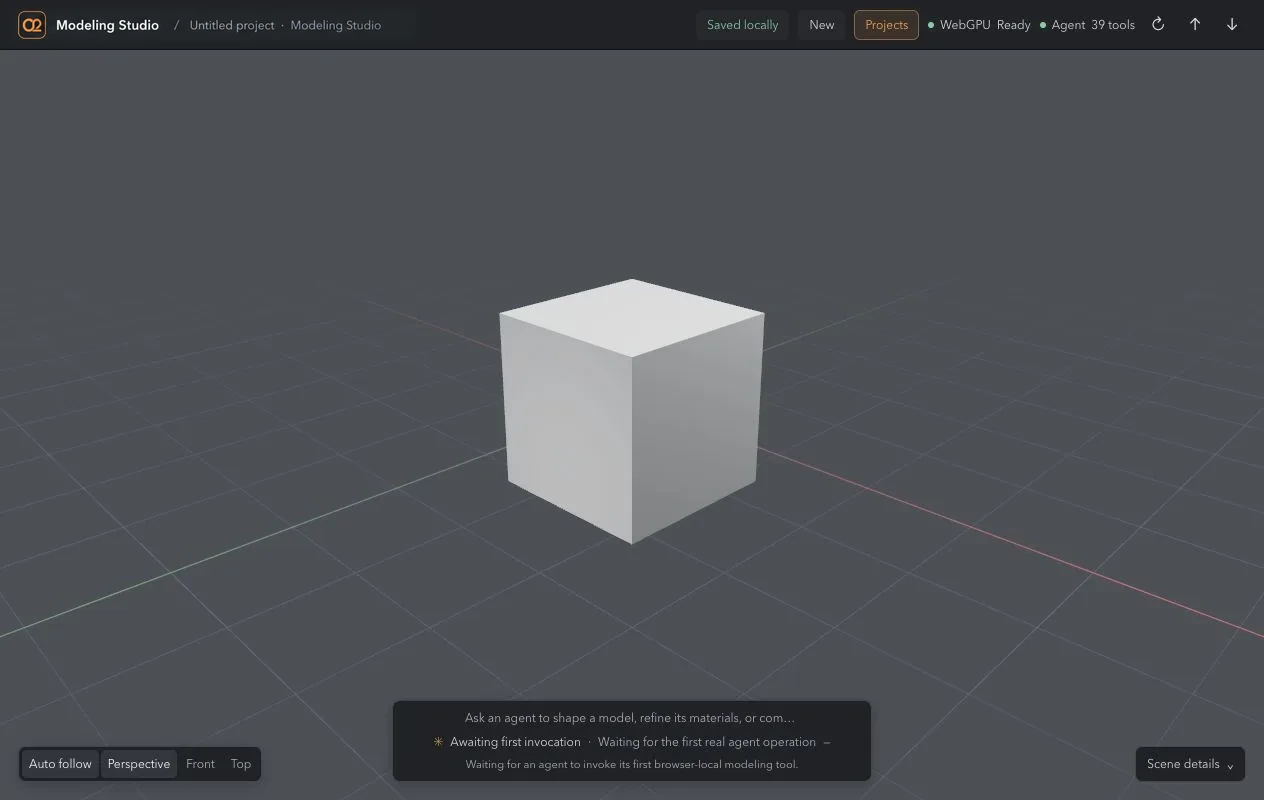
Modeling Studio

Modeling Studio

A 3D modeling suite native to the web and built for ZeroTwo.
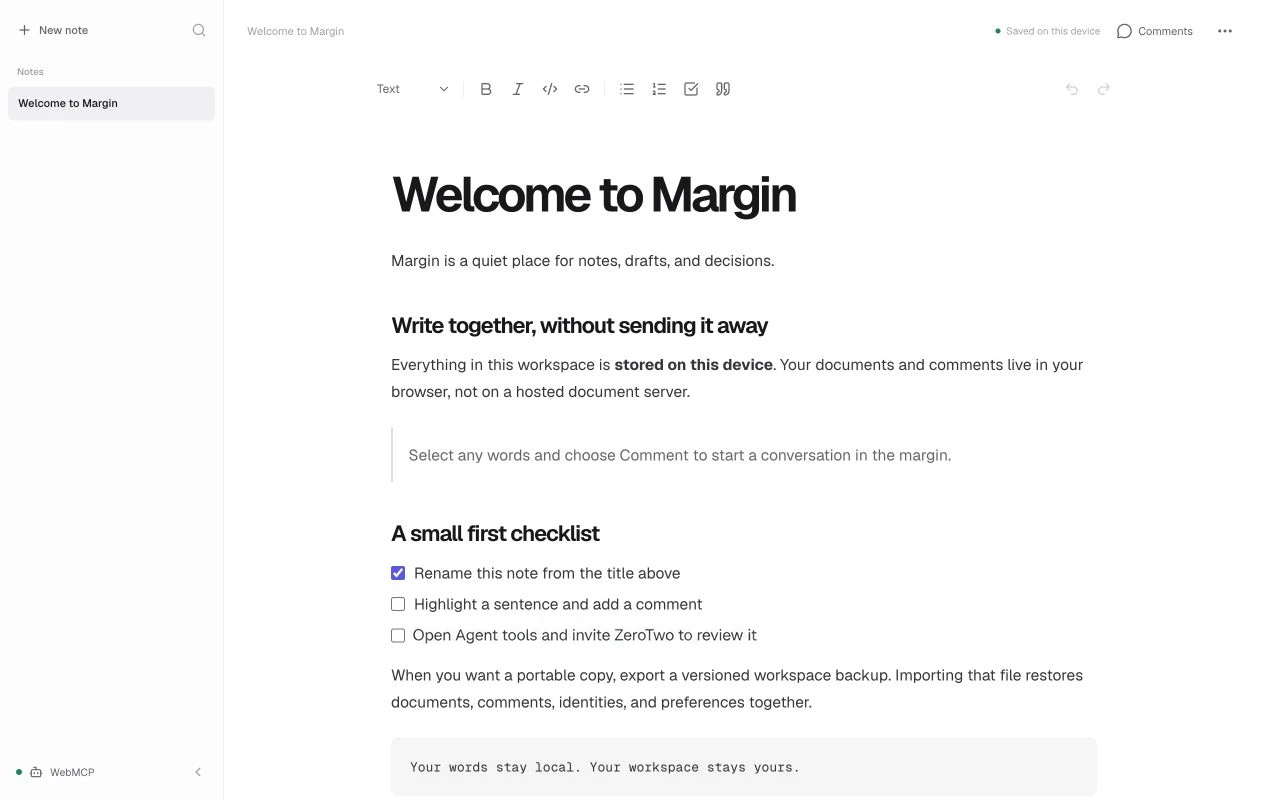
Margin Editor

Margin Editor

A note-taking app on your own machine for working alongside your agent.
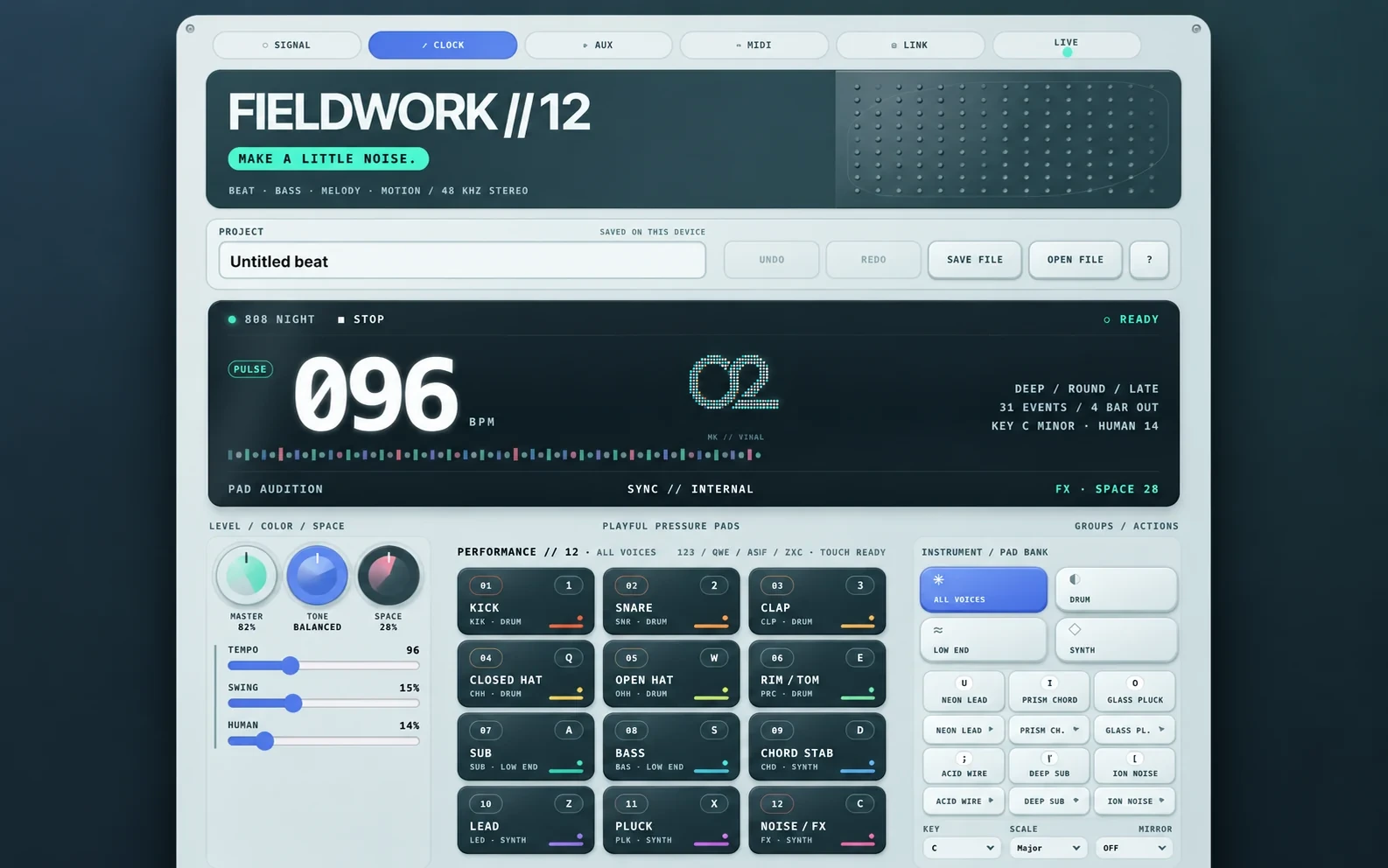
Fieldwork // 12

Fieldwork // 12

Compose beats and arrange music sequences with ZeroTwo.
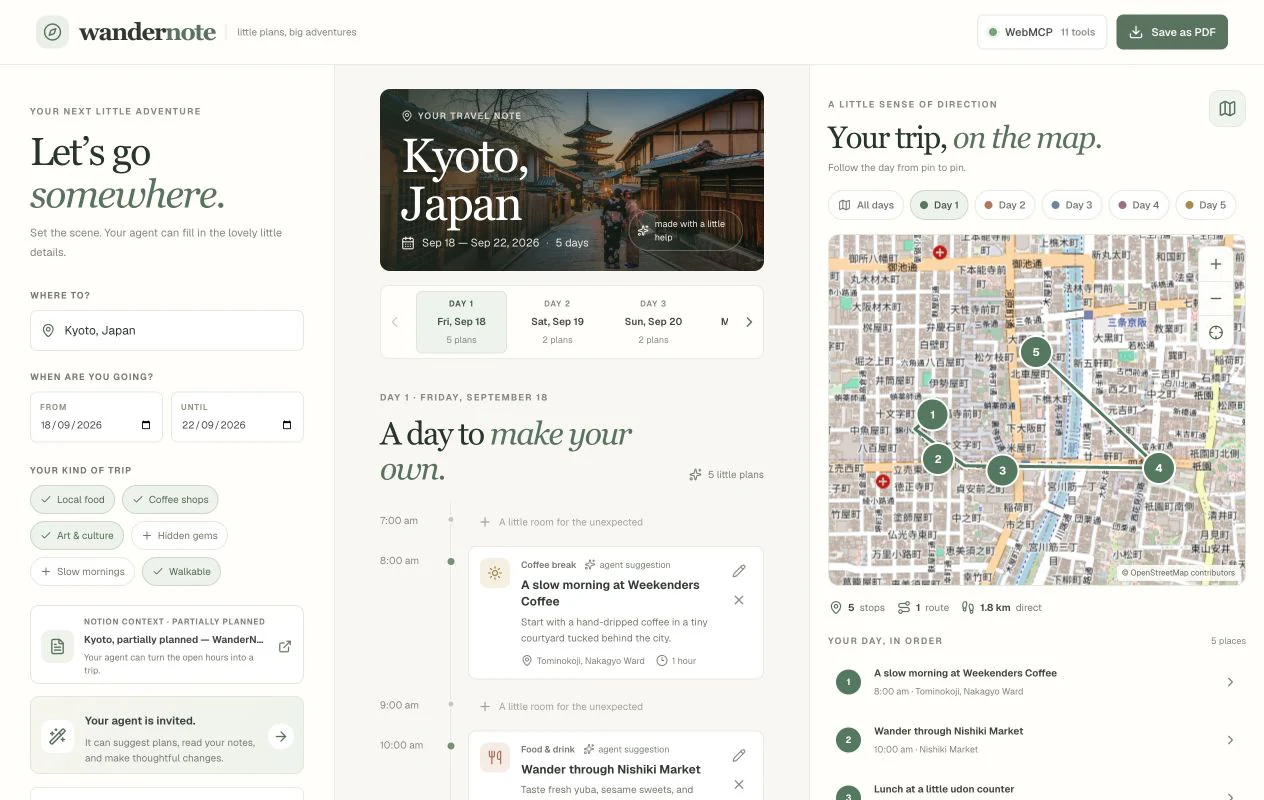
WanderNote

WanderNote

Plan a trip jointly in an itinerary you can edit.
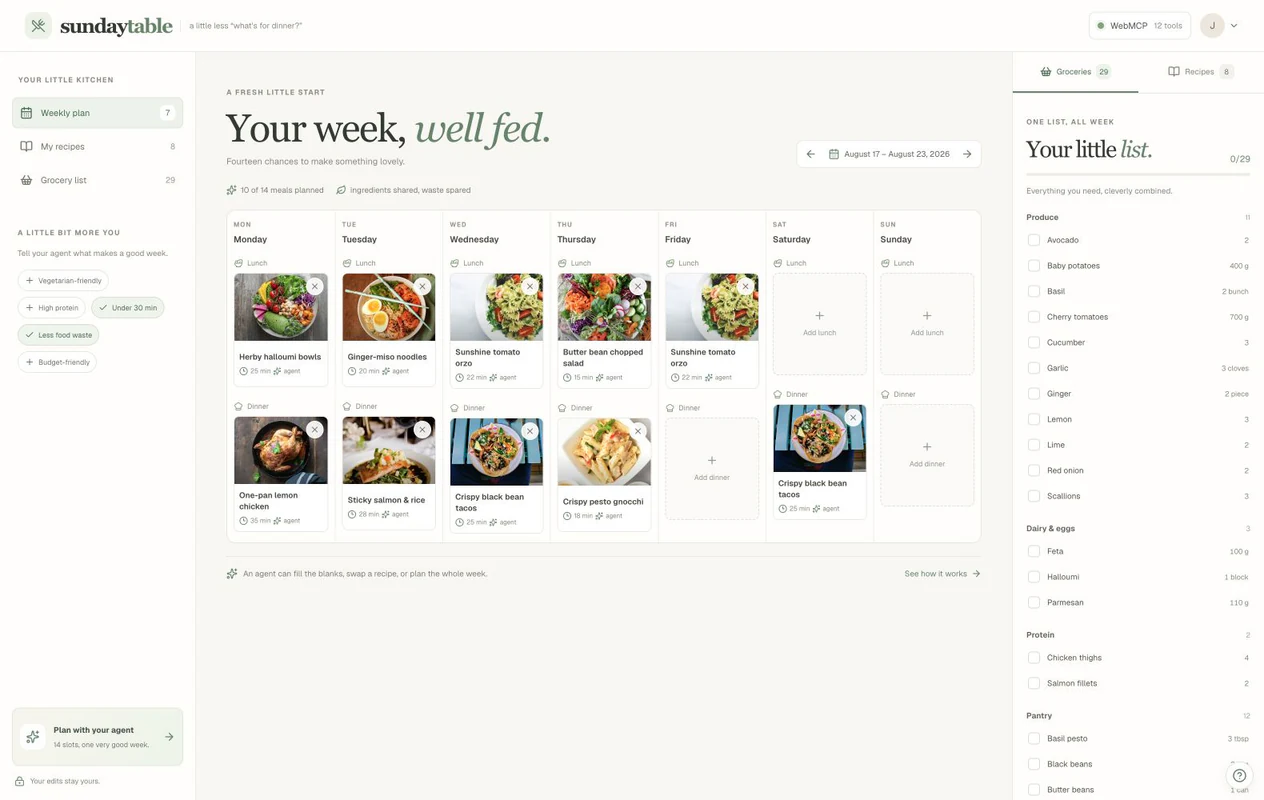
Sunday Table

Sunday Table

Plan meals, recipes, and groceries for the week together.
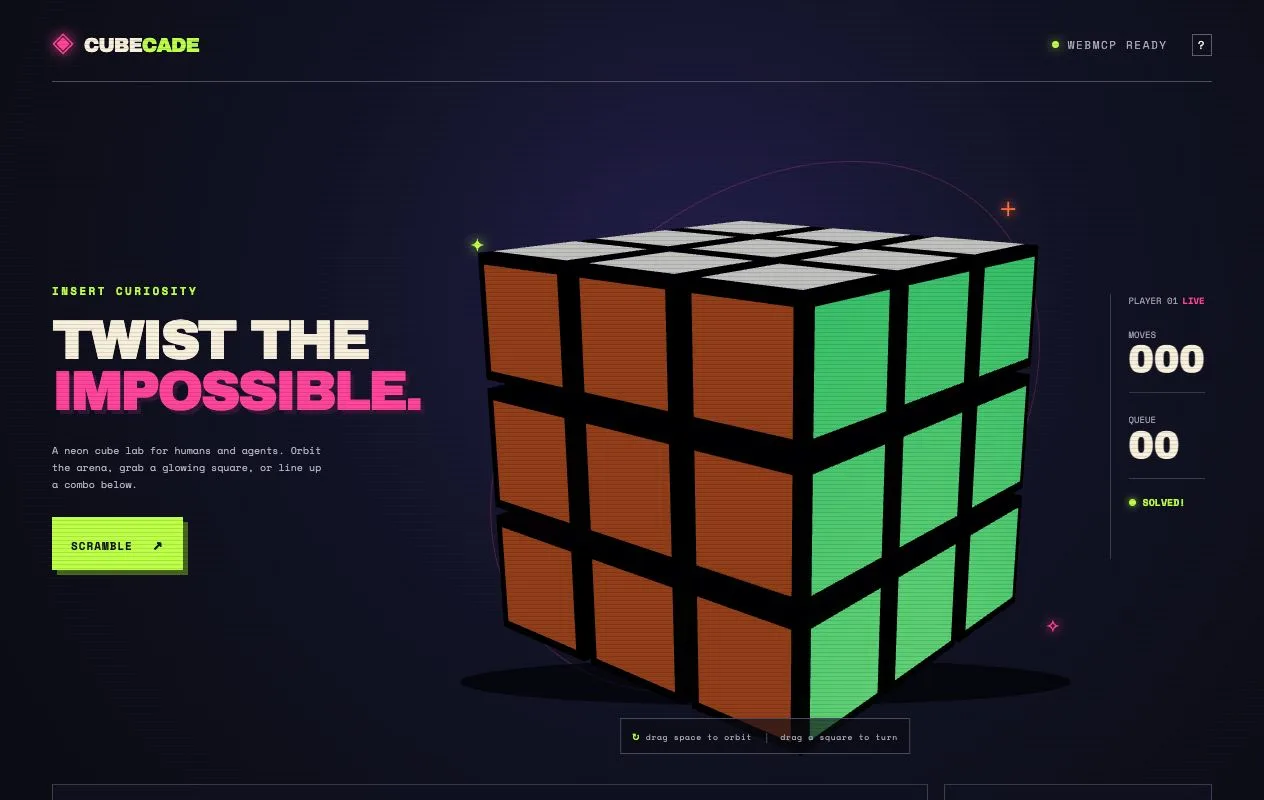
Cubecade

Cubecade

A 3D puzzle cube in an arcade style, with controls for an agent.
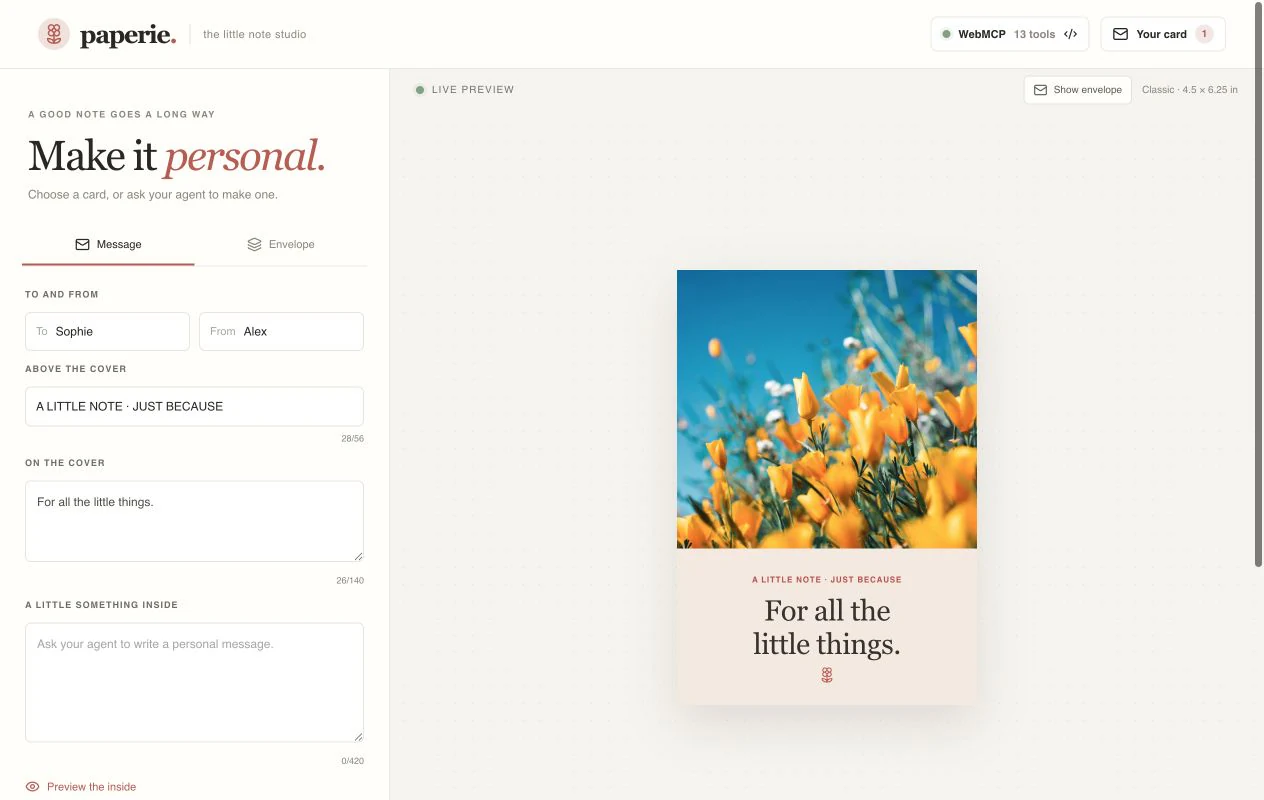
Paperie

Paperie

Create greeting cards and artwork using ZeroTwo.
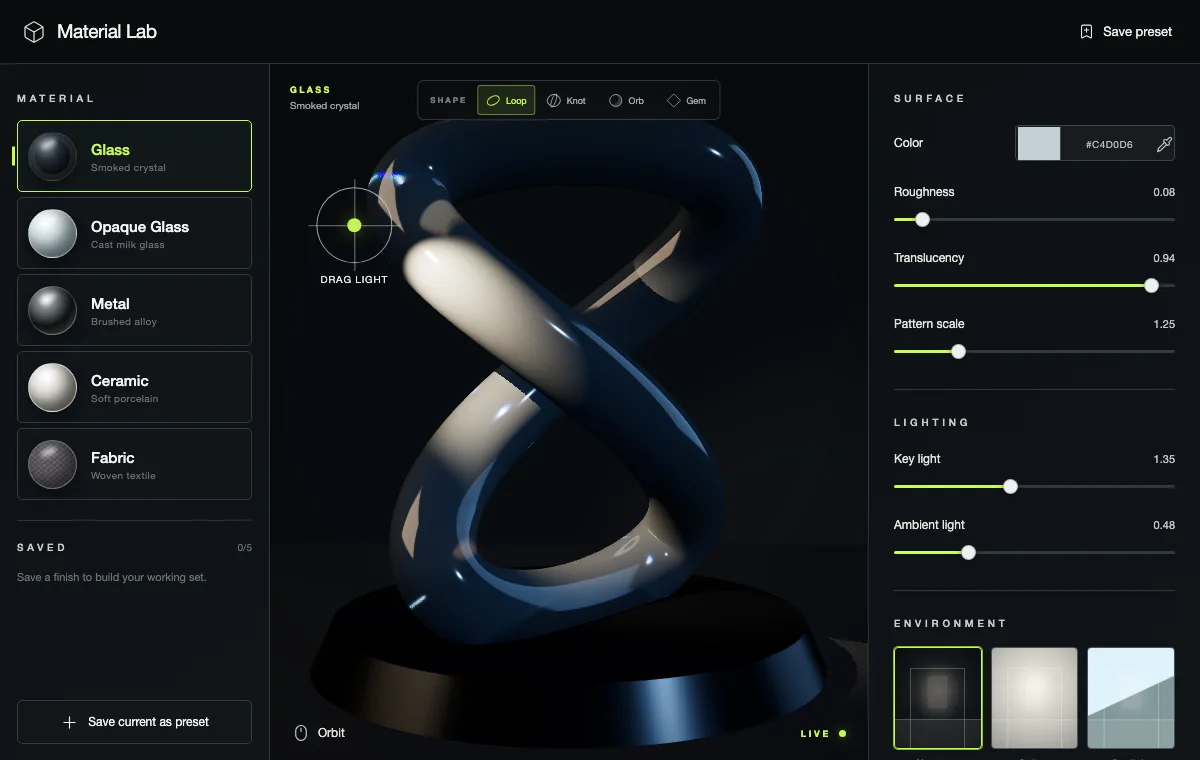
Material Lab

Material Lab

A live studio for sculpting lighting, materials, and shapes.
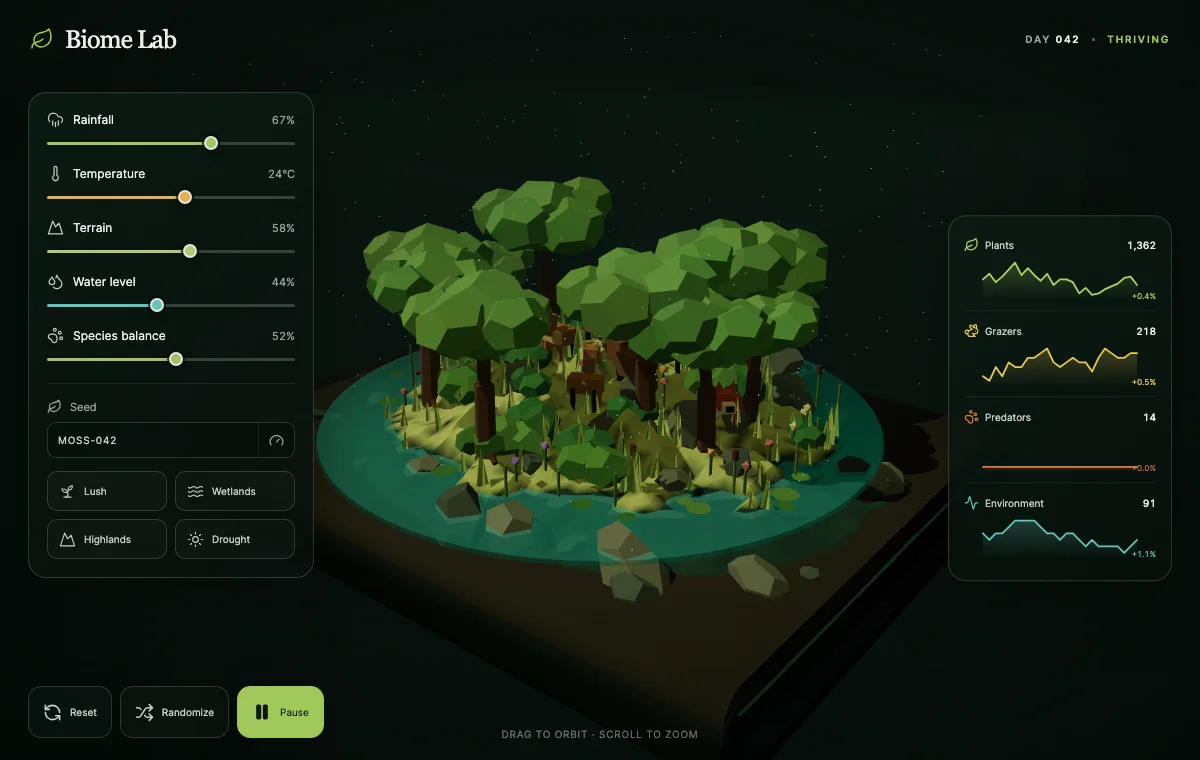
Biome Lab

Biome Lab

A lively procedural terrarium with ecosystems you can adjust.
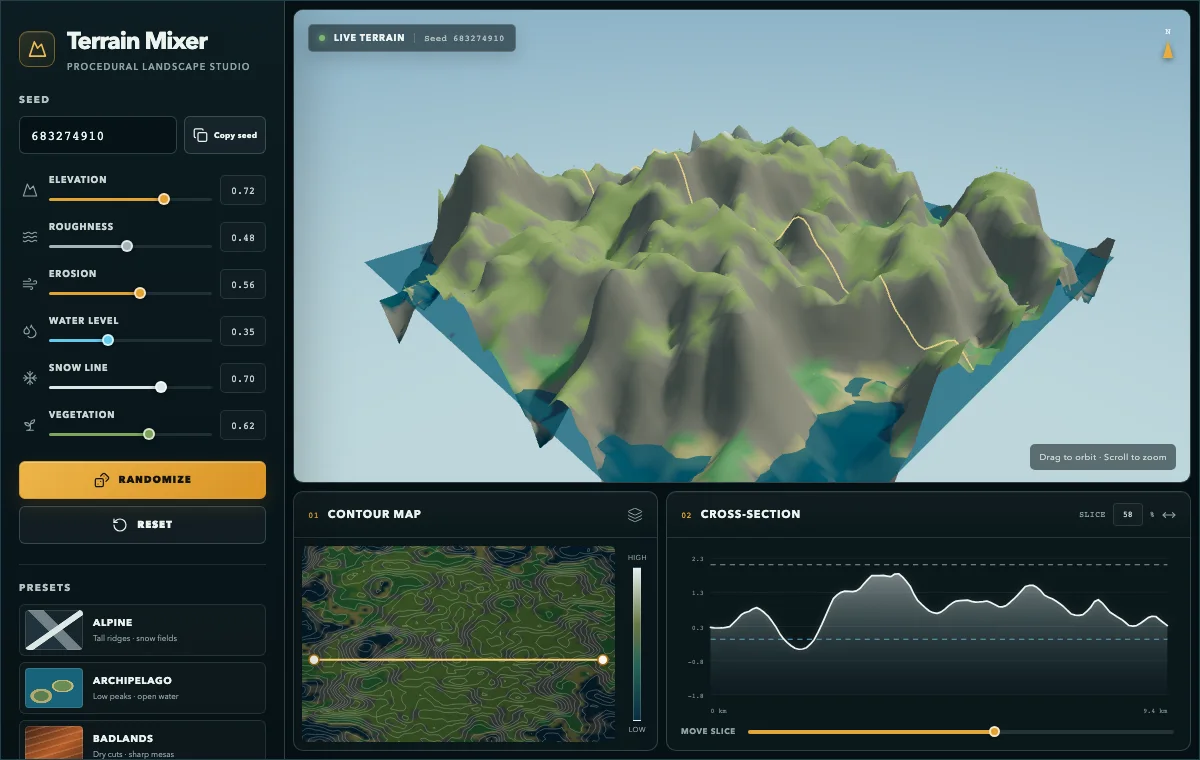
Terrain Mixer

Terrain Mixer

A procedural landscape generator whose analytical views stay synchronized.
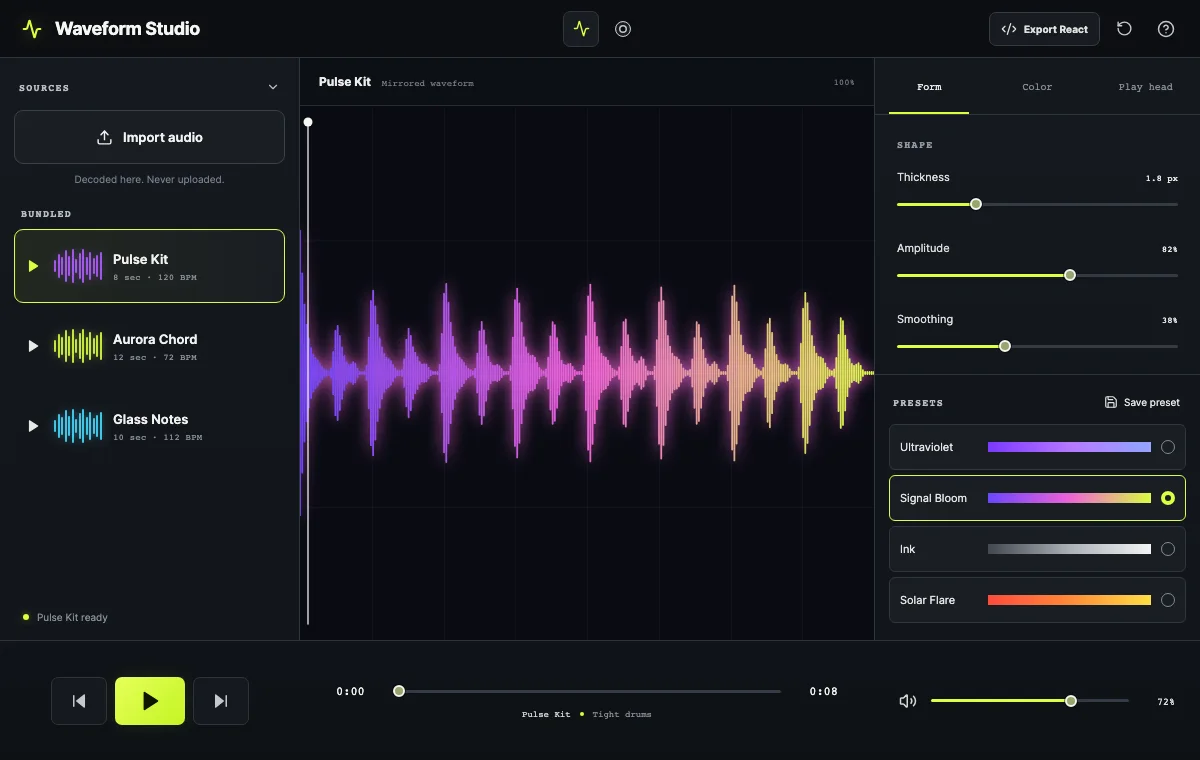
Waveform Studio

Waveform Studio

A tool that stays on your device and converts sound into expressive visual waveforms.
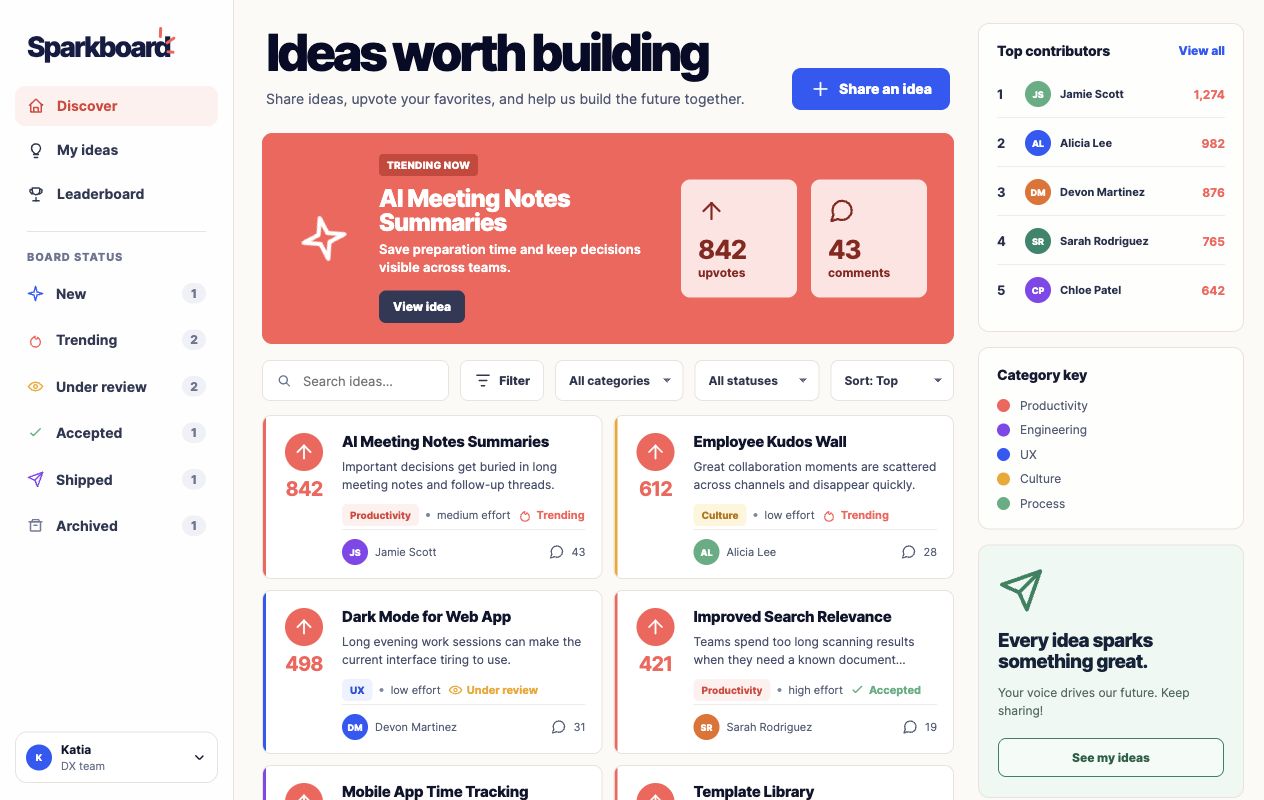
Sparkboard

Sparkboard

A staff idea board where people post, vote on, filter, and rank suggestions.
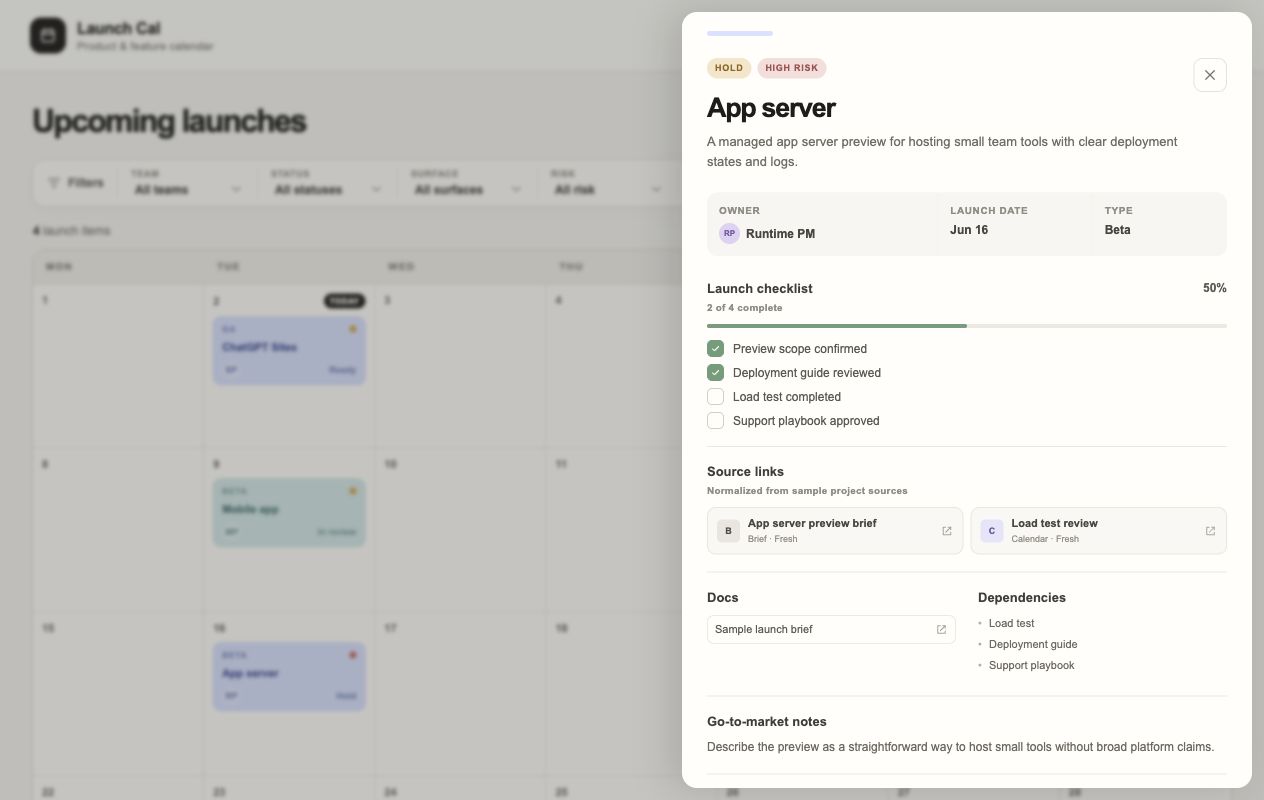
Launch Cal

Launch Cal

A launch calendar for products, with planning filters, risk flags, and...
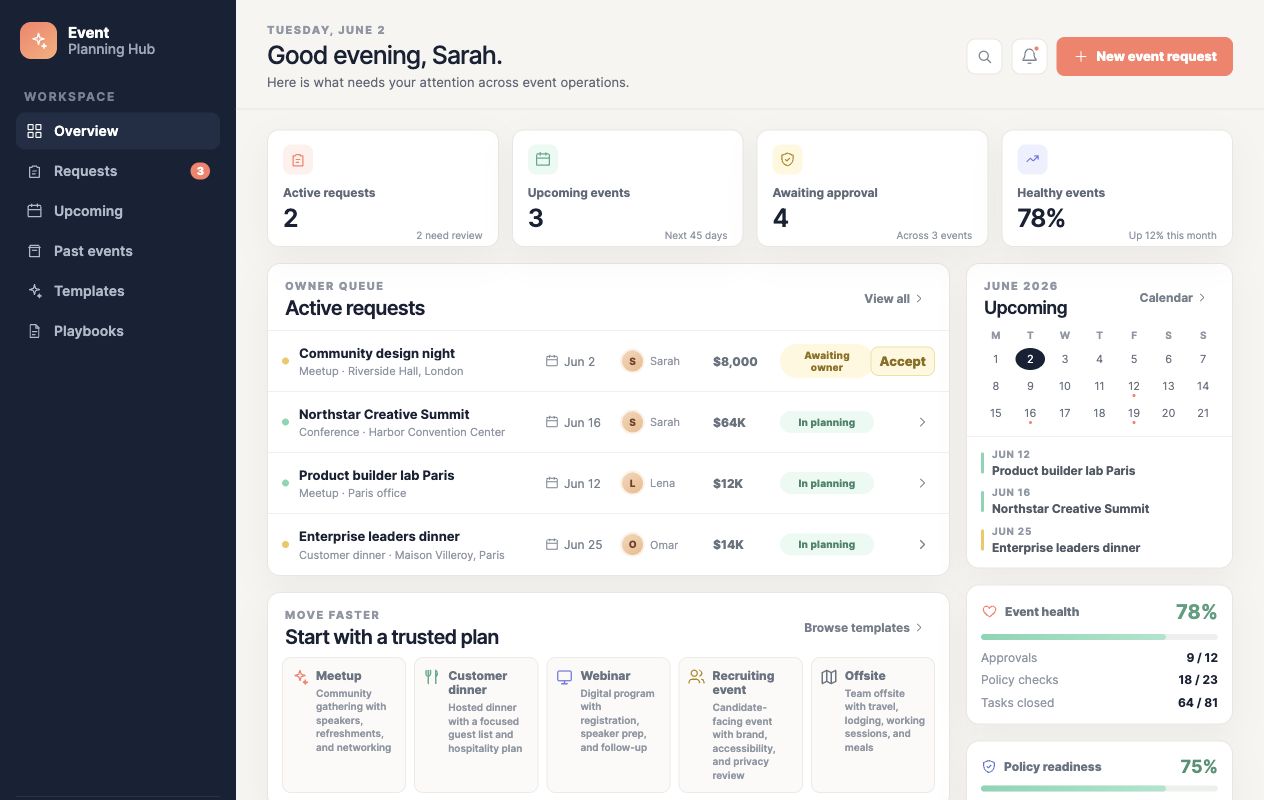
Event Planning Hub

Event Planning Hub

A hub for running events: requests, templates, upcoming dates, and...
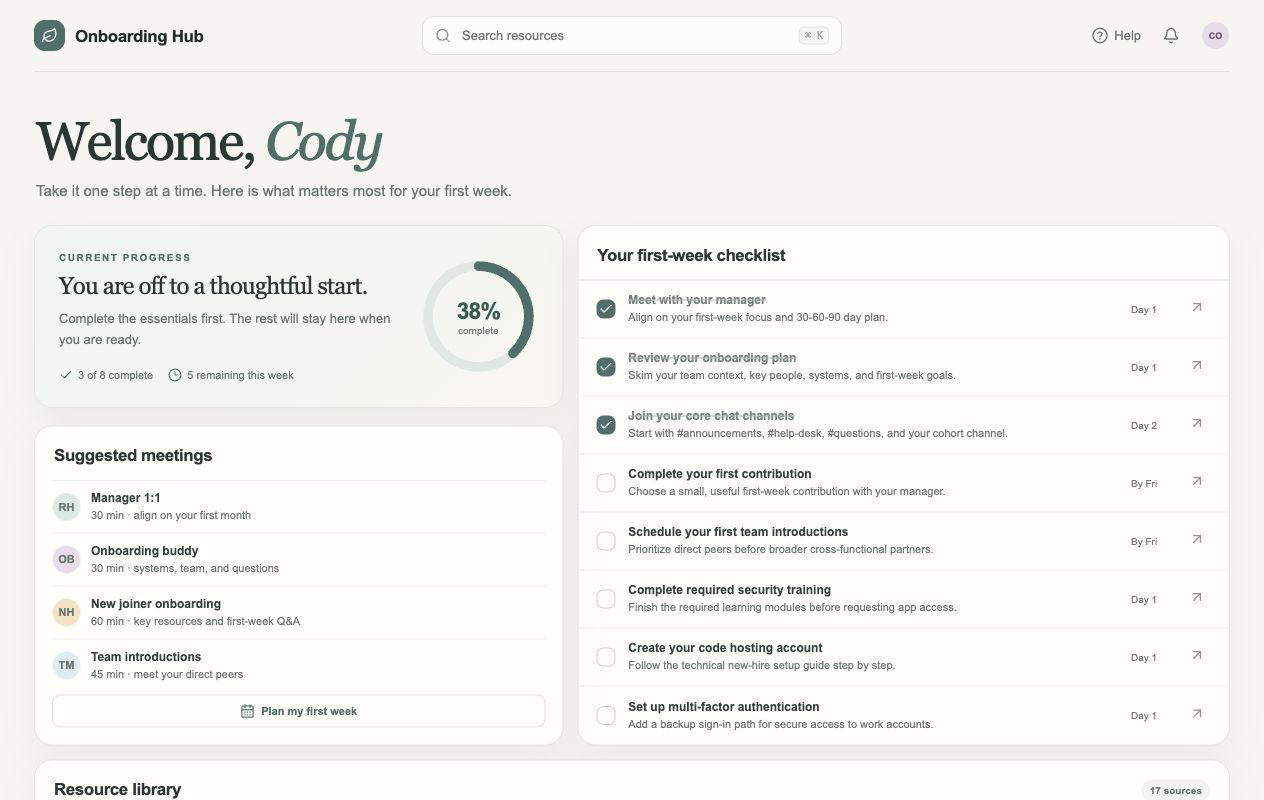
Onboarding Hub

Onboarding Hub

A dashboard for a new hire's first week, showing progress, meetings, tasks, and...
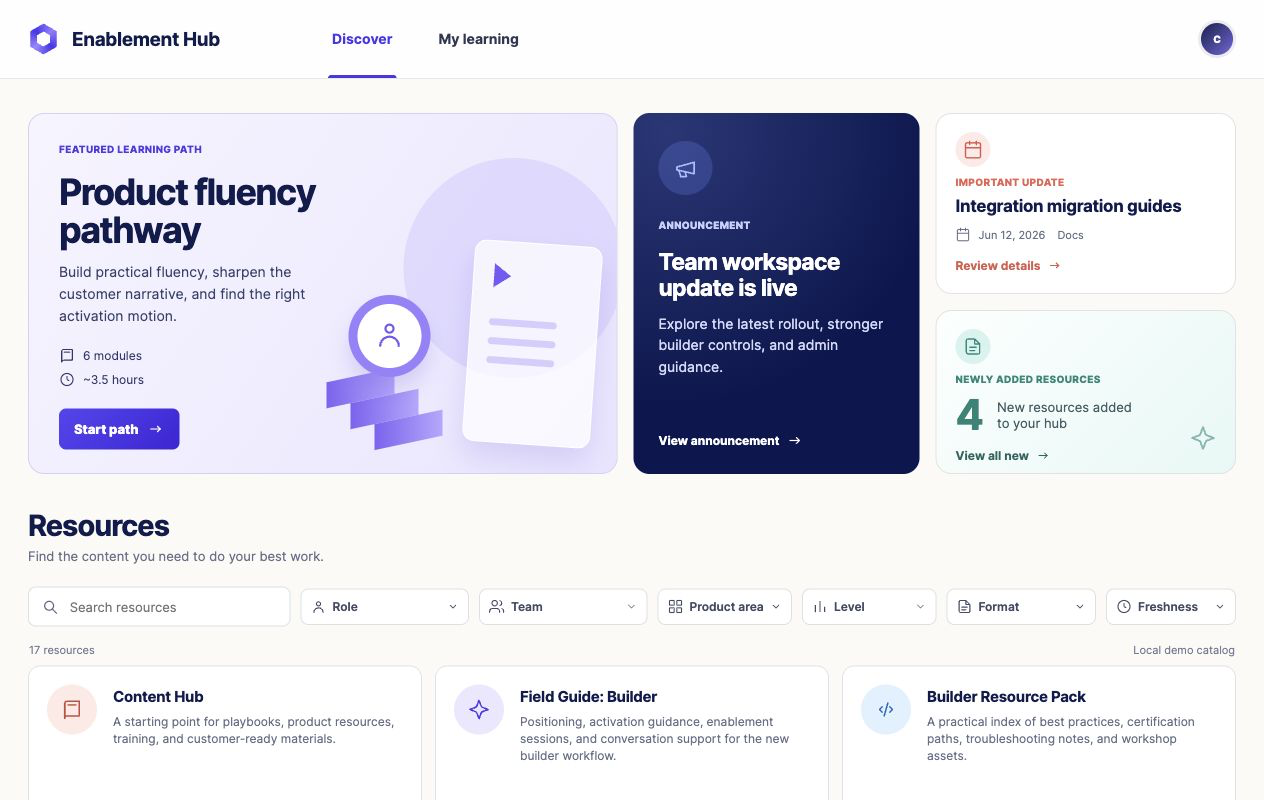
Enablement Hub

Enablement Hub

A searchable training hub with highlighted learning paths, news items, and...
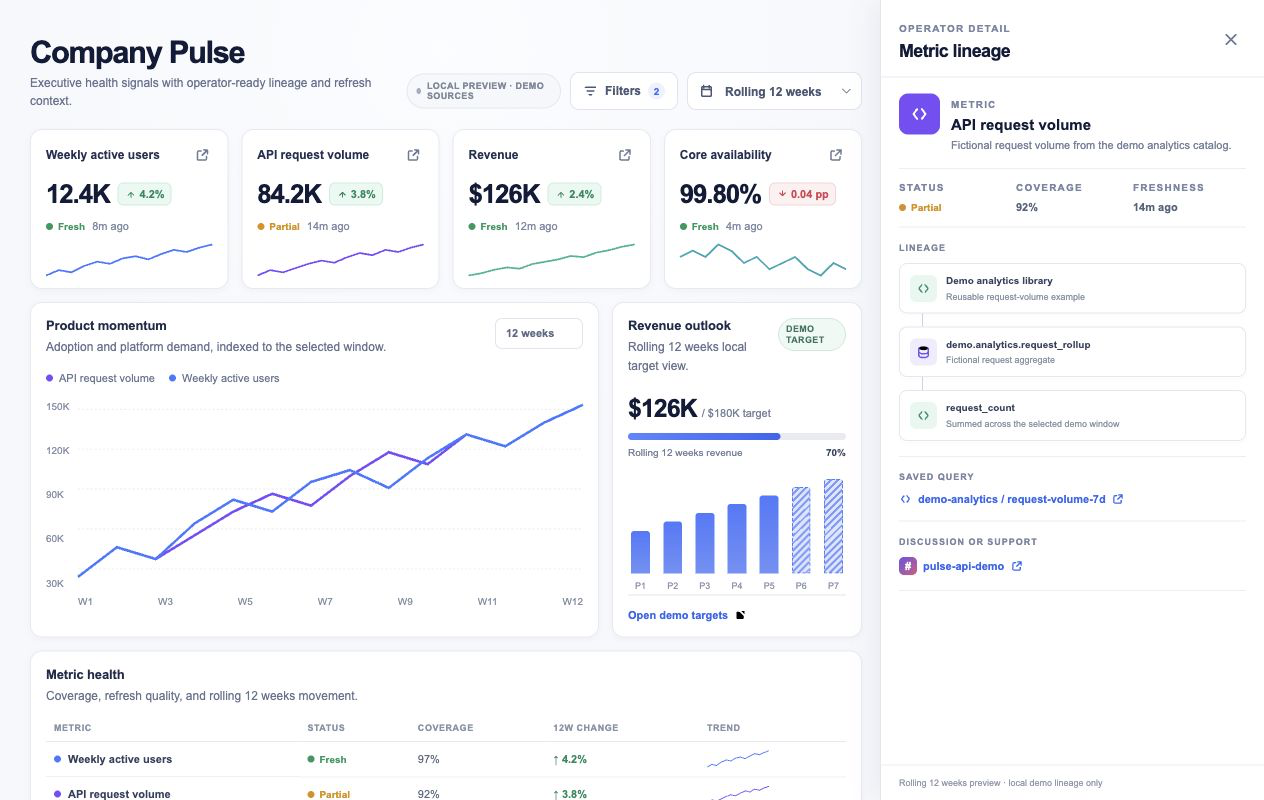
Pulse Dashboard

Pulse Dashboard

A leadership KPI board showing trendlines, goals, metric status, and...
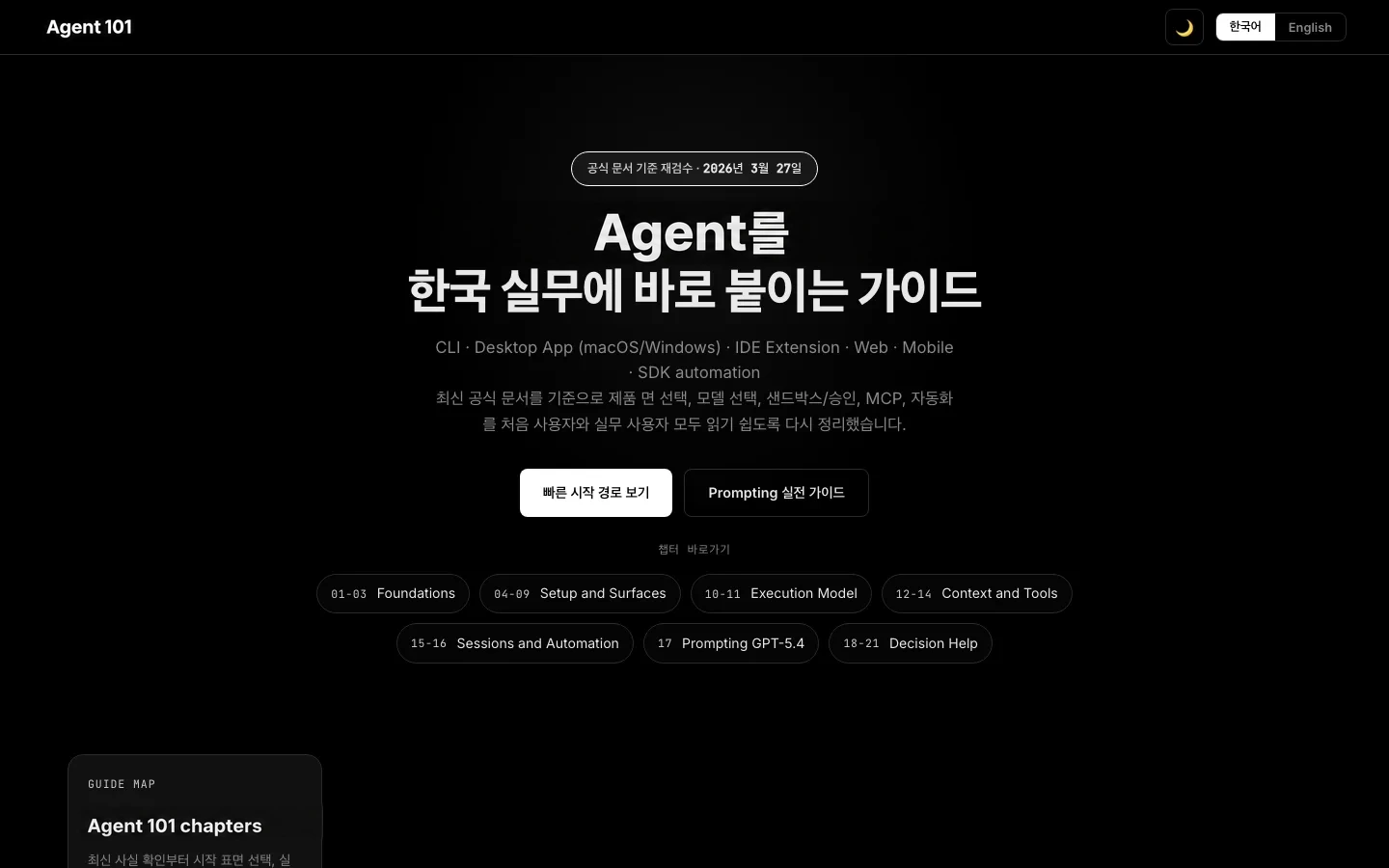
Agent 101

Agent 101

A two-language beginner course showing developers how to get started with ZeroTwo on...
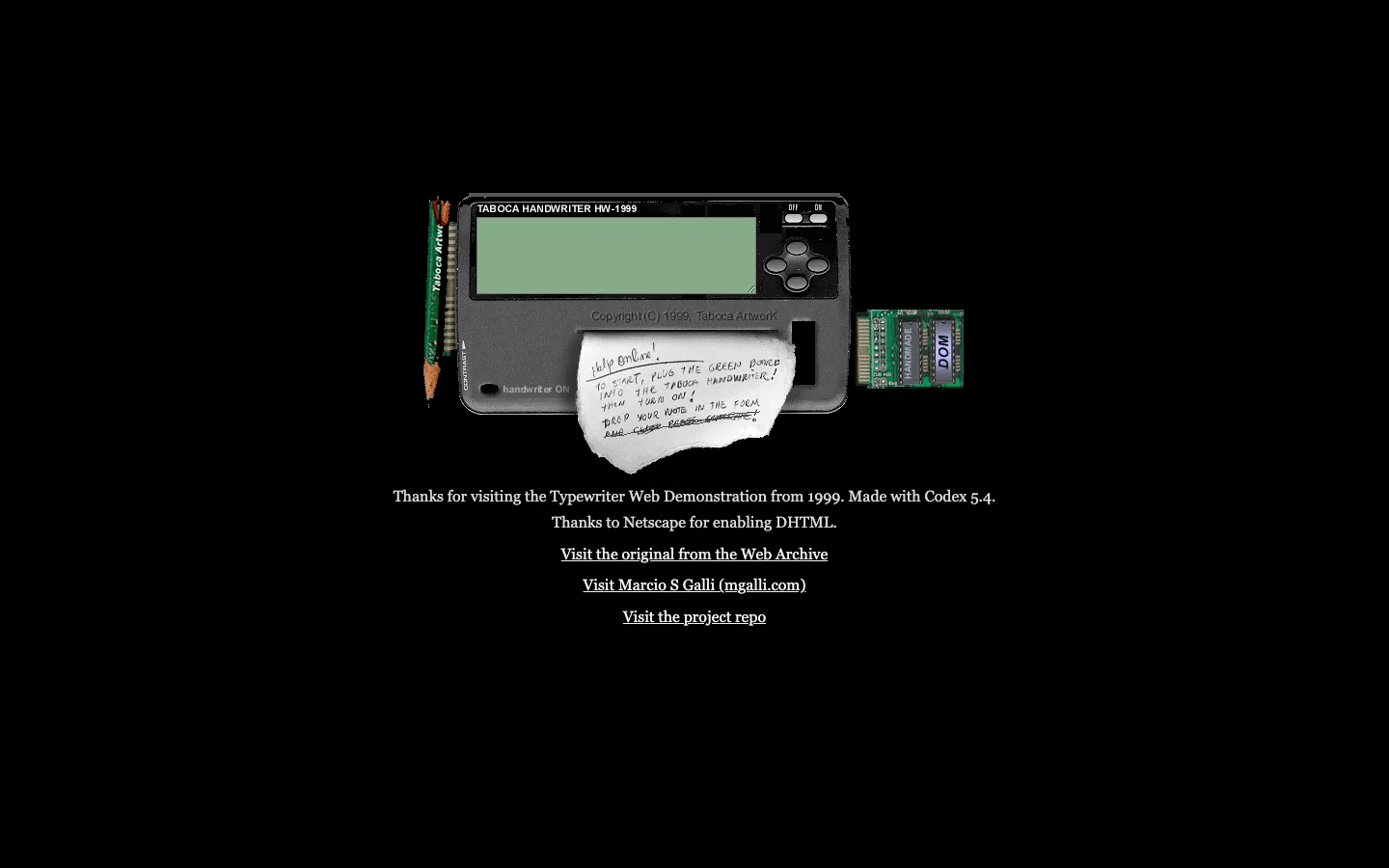
The TypewriterWeb Demonstration from 1999

The TypewriterWeb Demonstration from 1999

A DHTML demo from 1999, revived using ZeroTwo.
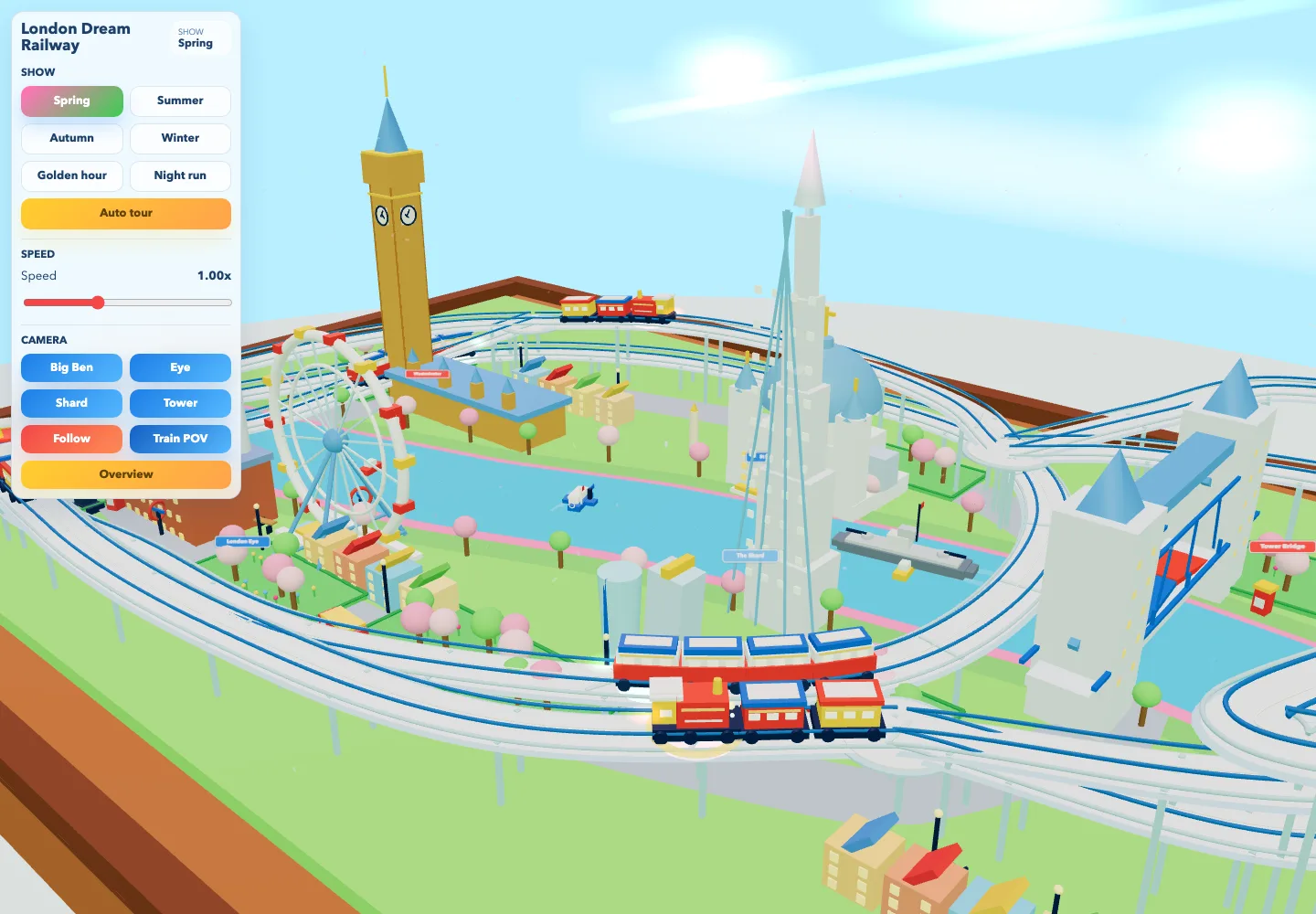
London Dream Railway

London Dream Railway

A whimsical 3D tabletop London with tiny trains, landmarks, changing seasons...
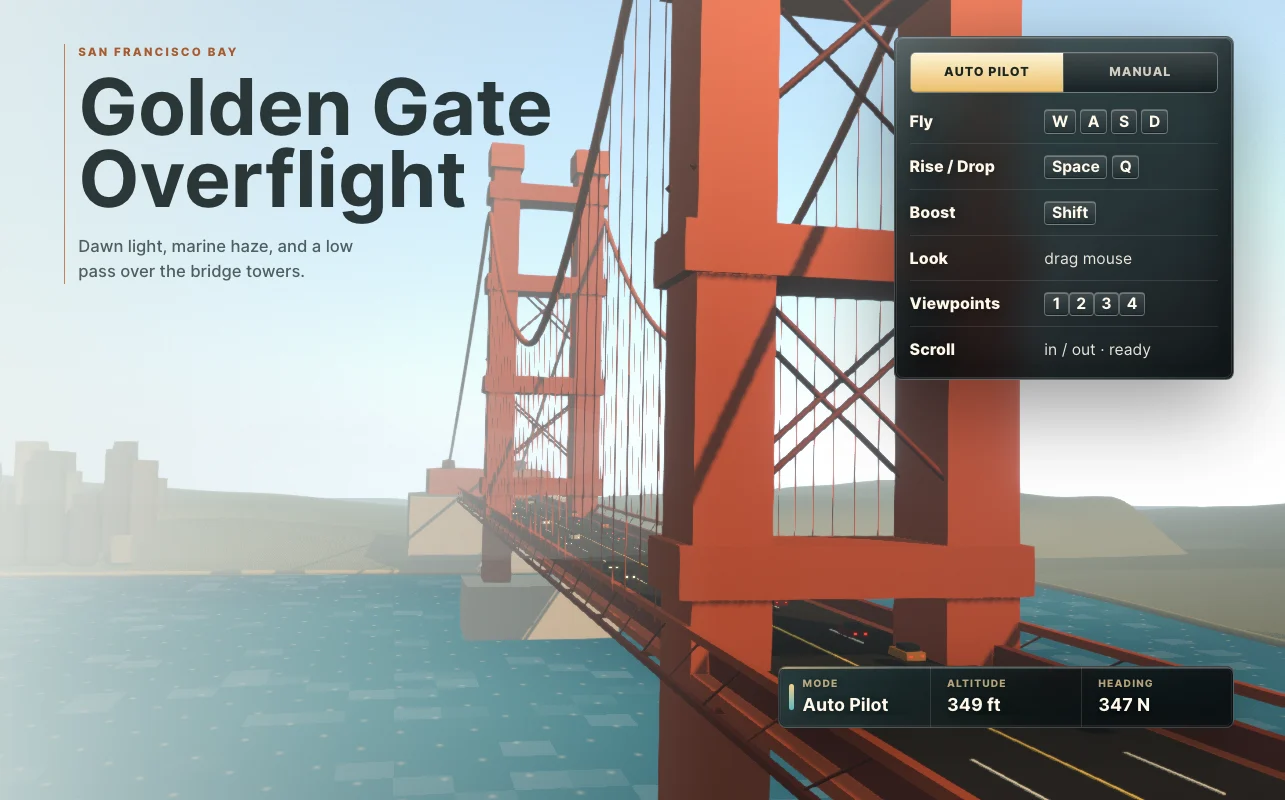
Golden Gate Experience

Golden Gate Experience

A film-like experience that lets you soar around the Golden Gate Bridge.
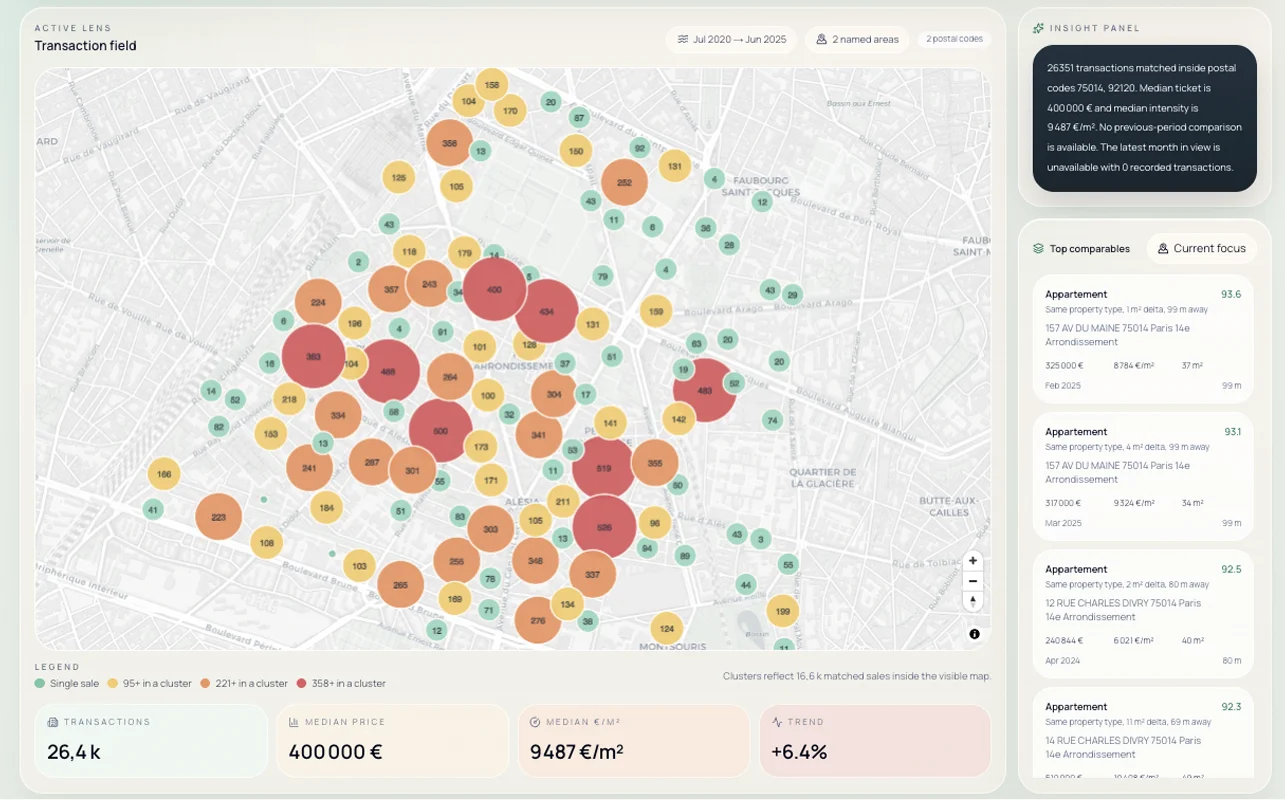
Real estate data viz

Real estate data viz

An app that surfaces Paris property market trends by querying the French government...
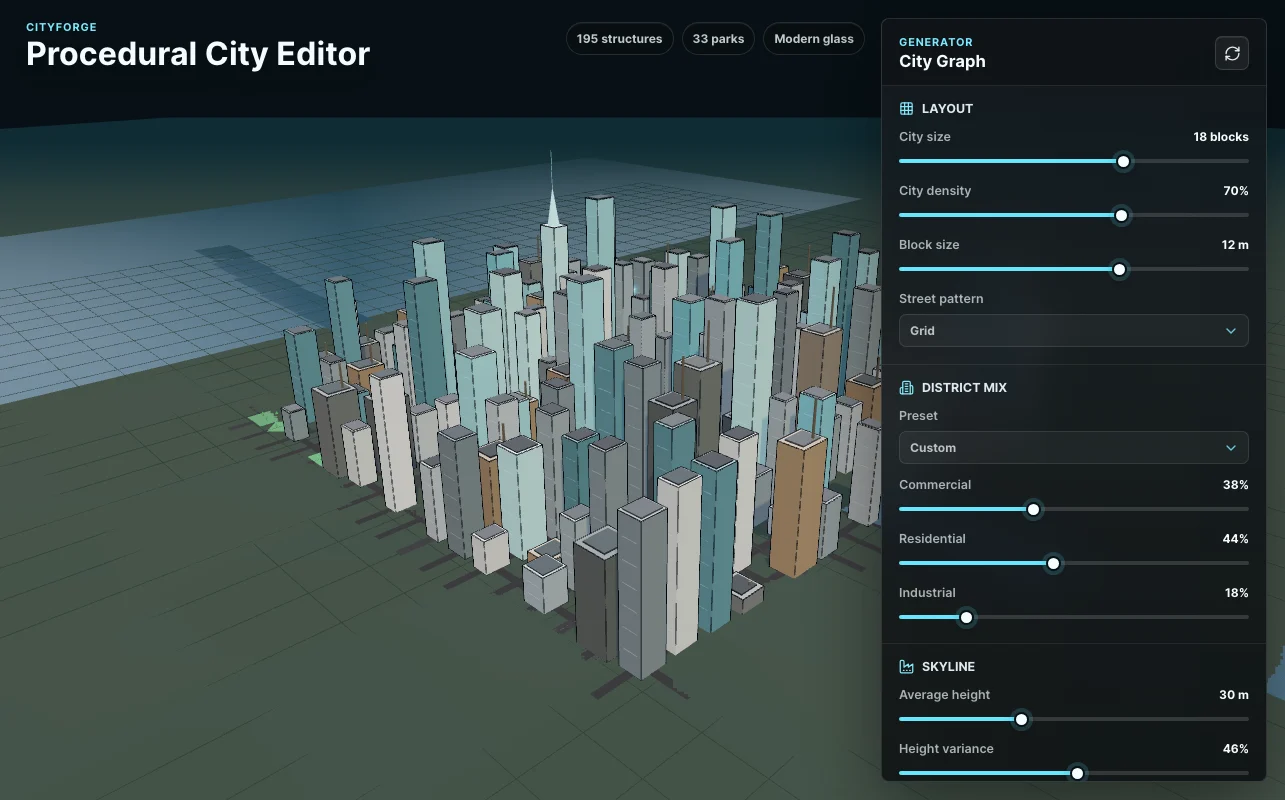
Procedural City Generator

Procedural City Generator

Browser-based 3D city generator.

Webroom by Matias Castello, ZeroTwo

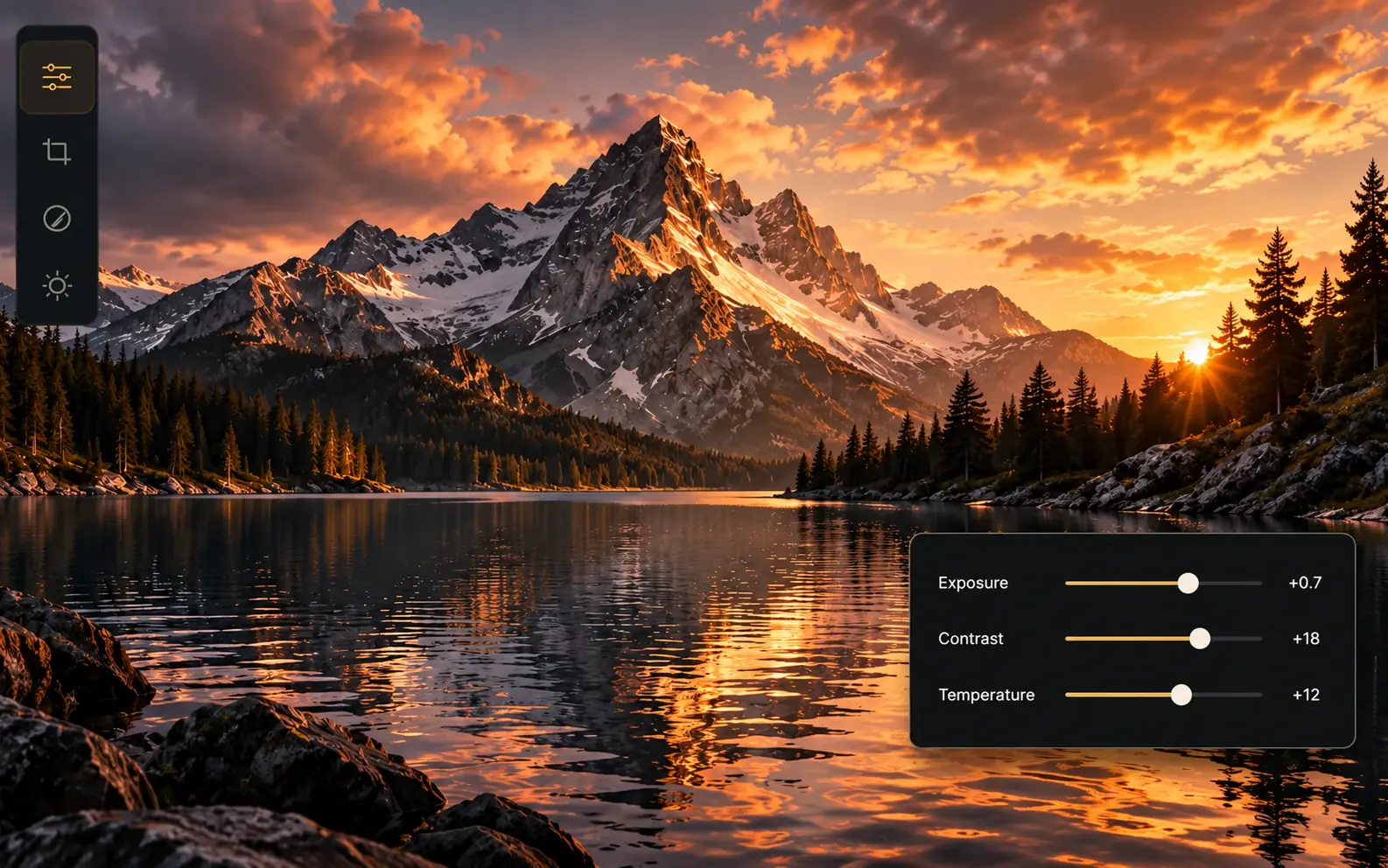
Through WebMCP, an agent can edit the photo itself as you watch the result, and you can steer the next edit. Composition, color, and exposure turn into controls the two of you can work on together in one image editor.

Open in desktop app

Site tools

The original Webroom editor image with its header, mountain photograph, tool rail, and exposure, contrast, and temperature controls.

Site tools

  1. Get document info

    Read

    Fetch safe metadata about the active Webroom image, covering history counts, dirty state, revision, and the pixel dimensions of the source and current output.

  2. Get edit state

    Read

    Fetch all manual adjustments, non-destructive geometry values, the independently selected filter, and the revision of the active image. Manual values sit on top of the filter.

  3. Get edit history

    Read

    Return the edit history, concisely and in order, along with redo entries. Includes command summaries and their sources but no pixel data.

  4. Get image preview

    Read

    Return a preview of the original or edited image in the form of a bounded data URL. maxDimension ranges from 64 to 2048 pixels and quality from 1 to 100.

  5. Open image from url

    Write

    Open a WebP, PNG, or JPEG from an HTTPS URL through a CORS request that carries no credentials. Set replace to true only if you mean to discard unexported edits.

  6. Open image from data url

    Write

    Open a WebP, PNG, or JPEG data URL whose encoded length is at most 12 MiB. Set replace to true only when discarding unexported edits is intended.

  7. Set exposure

    Write

    Give the manual exposure layer an absolute value between -5 and 5. It layers above the chosen filter and results in a single undoable edit.

  8. Set brightness

    Write

    Give the manual brightness layer an absolute value between -100 and 100. It layers above the chosen filter and results in a single undoable edit.

  9. Set contrast

    Write

    Give the manual contrast layer an absolute value between -100 and 100. It layers above the chosen filter and results in a single undoable edit.

  10. Set highlights

    Write

    Give the manual highlights layer an absolute value between -100 and 100. It layers above the chosen filter and results in a single undoable edit.

  11. Set shadows

    Write

    Give the manual shadows layer an absolute value between -100 and 100. It layers above the chosen filter and results in a single undoable edit.

  12. Set whites

    Write

    Give the manual whites layer an absolute value between -100 and 100. It layers above the chosen filter and results in a single undoable edit.

  13. Set blacks

    Write

    Give the manual blacks layer an absolute value between -100 and 100. It layers above the chosen filter and results in a single undoable edit.

  14. Set temperature

    Write

    Give the manual temperature layer an absolute value between -100 and 100. It layers above the chosen filter and results in a single undoable edit.

  15. Set tint

    Write

    Give the manual tint layer an absolute value between -100 and 100. It layers above the chosen filter and results in a single undoable edit.

  16. Set saturation

    Write

    Give the manual saturation layer an absolute value between -100 and 100. It layers above the chosen filter and results in a single undoable edit.

  17. Set vibrance

    Write

    Give the manual vibrance layer an absolute value between -100 and 100. It layers above the chosen filter and results in a single undoable edit.

  18. Set sharpening

    Write

    Give the manual sharpening layer an absolute value between 0 and 100. It layers above the chosen filter and results in a single undoable edit.

  19. Set blur

    Write

    Give the manual blur layer an absolute value between 0 and 100. It layers above the chosen filter and results in a single undoable edit.

  20. Apply filter

    Write

    Choose a single canonical Webroom filter as its own undoable layer. Manual adjustment values stay intact; use none to remove just the filter.

  21. Crop image

    Write

    Crop using integer pixel values for x, y, width, and height, expressed in the coordinates of the current oriented image, as reported by get_document_info.

  22. Rotate image

    Write

    Rotation is clockwise for positive values; choose -90, 90, or 180 degrees for the active image.

  23. Flip image

    Write

    Mirror the image that is active across either its horizontal or its vertical axis.

  24. Resize image

    Write

    Resize to whole-pixel dimensions that are positive. Provide width, height, or both; leaving one out preserves the aspect ratio.

  25. Undo edit

    Write

    Undo a single committed edit, human or agent, in the active Webroom document.

  26. Redo edit

    Write

    Redo a single edit that was previously undone in the active Webroom document.

  27. Reset edits

    Write

    Restore the untouched source by resetting all adjustments and geometry, as one undoable command.

  28. Export image

    Write

    Export the full-resolution edit in its current state as WebP, PNG, or JPEG. By default the file arrives as a local download, whereas bounded data_url delivery returns the image data.

Read the build process for Webroom

Related projects

Modeling Studio

Modeling Studio

Create and polish 3D scenes together with ZeroTwo

ZeroTwoWebAssembly
Crossword Desk

Crossword Desk

Make crosswords out of a themed word pool, revise the clues, and solve...

ZeroTwo
Fieldwork // 12

Fieldwork // 12

A browser-based beat machine offering a 16-step velocity sequencer, 12 voices, nine...

ZeroTwo

Related on ZeroTwo

Help articles and product pages for the same topic.

Help Center

  • What is ZeroTwo?
  • ZeroTwo accounts, plans and devices: FAQ
  • Chat, Work and Code in ZeroTwo

zerotwo.ai

  • ZeroTwo Chat
  • Download ZeroTwo

Search the docs

Suggested