





Build process
Read the build process for Tidegarden
Build the first island
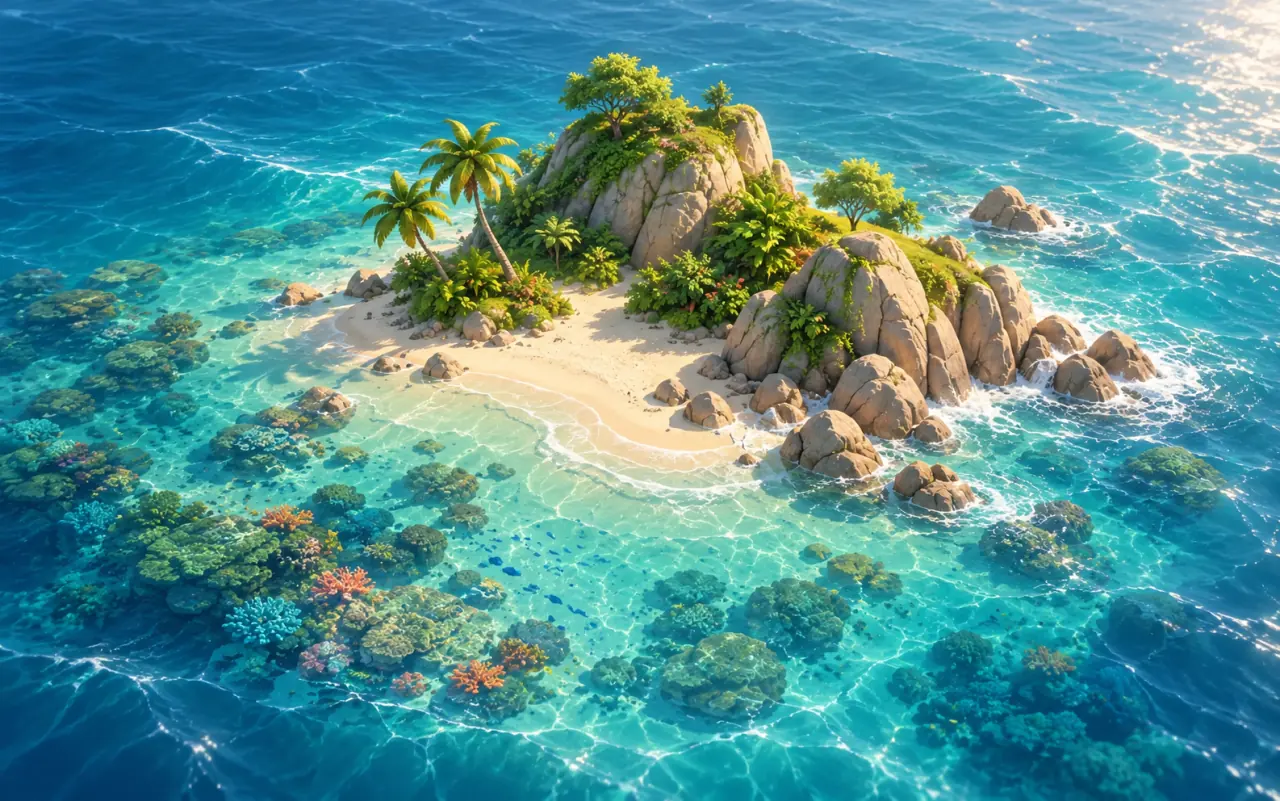
At first the island had flat water and a spiky palm. A reference image generated for the project then guided the warm afternoon light, turquoise shallows, and foliage.
Give the palm and grass life
Replaced the spiky palm and sparse grass using softer ground transitions, shading, wind, GPU foliage, and better geometry.
Assemble an editable reef in Blender
Constructed and placed reef banks out of reusable colony forms, leaving the Blender sources editable and keeping their materials intact in the scene.
Give the water depth and light
Moved on from flat, depthless water, passing through early reef experiments, and finally reached refraction plus moving light under the surface.
Build tools to see the problems
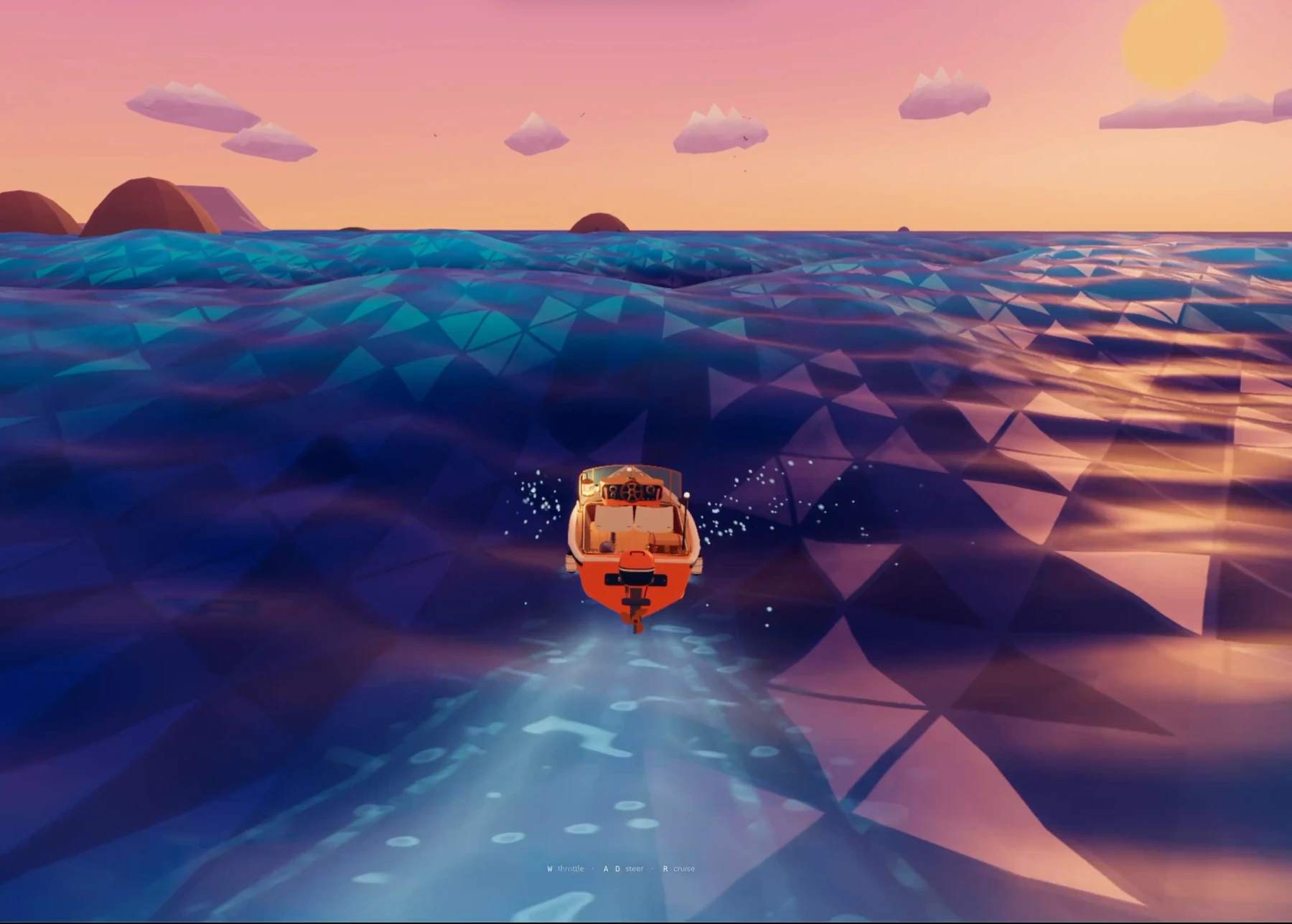
Brought in shader and overdraw diagnostics, motion inspection, and high-contrast surface captures to steer the rendering work.
Simplify the shoreline foam
Foam that had grown too complicated was replaced by a texture-driven shoreline: room to recede, fine bubbles, lighting, and a thinner white wash.
Make the wave cause the wash
Dropped loops and straight stripes, then tied retreat, shoreline wash, and irregular crests to one traveling wave.
Lower the cost and ship
Capped rendering at 1080p, simplified shading, compressed and cached assets, and switched to FXAA while cutting water triangles by 37%.