

Build process
Read the build process for Velocity Loop
Explore the menu concept
Look at options for a course-selection menu in a game about racing miniature cars.
Explore the racing concept
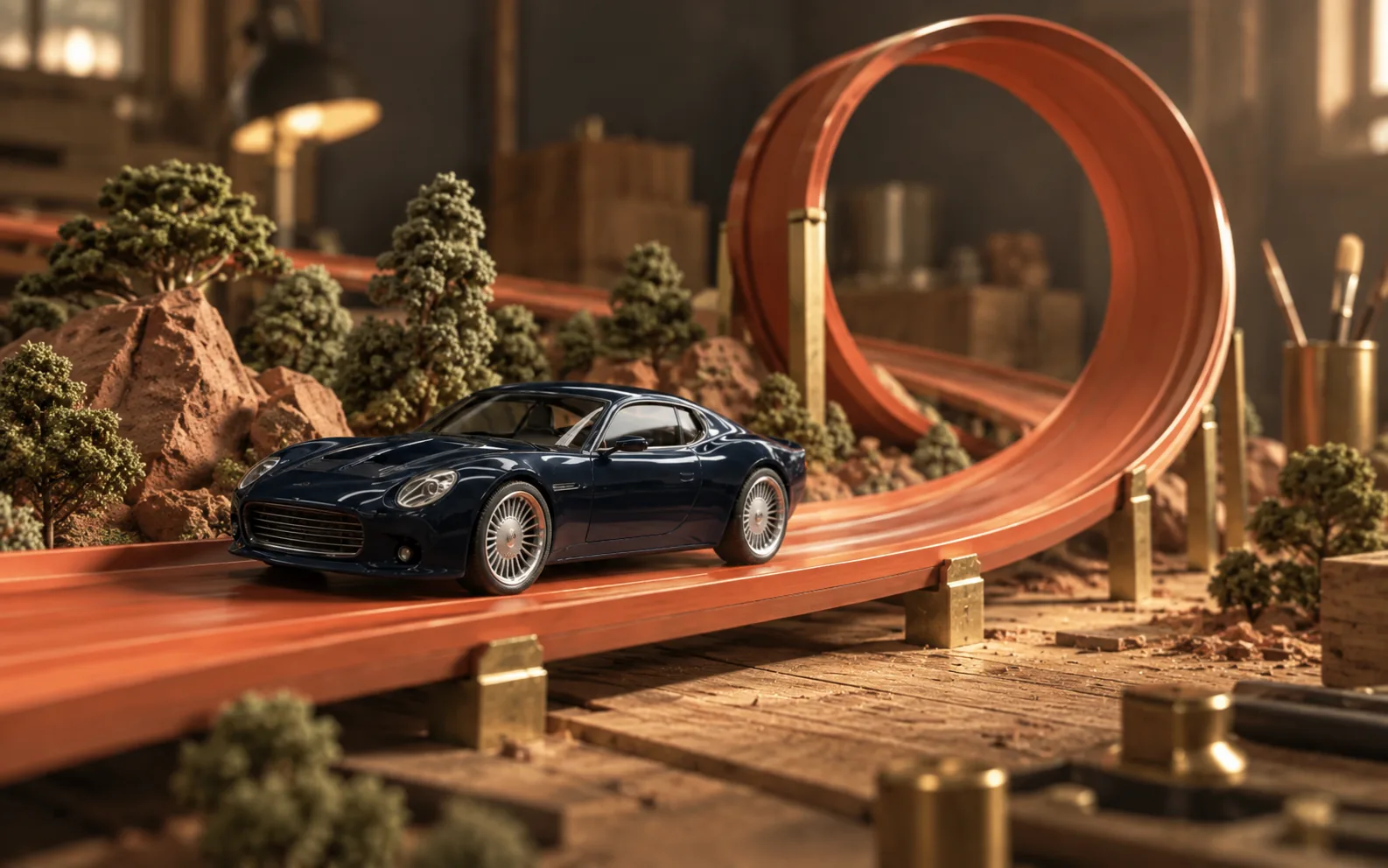
Look into the on-track view, featuring a readable racing HUD and orange loops.
Build the first course menu
Create visible time records, assist controls, and course selection.
Build the first playable racer
Create five playable courses featuring personal-best ghosts, timing, and nitro.
Research, implement and playtest
Polish handling, deterministic replays, and rendering by playtesting repeatedly.
Build a miniature workshop
Warm up the workshop environments and give the cars more detail and convincing motion.
Generate the workshop materials
Create an atlas of surface materials for the workshop model.
Add reasons to replay
Include race series and rewards that recognize personal-best runs and skillful driving.
Add a four-car garage
Bring in four different cars and balance how each one handles across the courses.
Unify the cars and add shared competition
Keep the car models consistent and add shared rankings that are verified.
Refine the camera, nitro and track flow
Smooth out the racing by refining the track layouts, nitro, and camera.
Finish the gameplay and interface
Refine race flow and loading while keeping records and older replays intact.
Check the final mobile controls
Keep Race, the car choice, and the track choice accessible on phones.